
Bambu Lab AMS Explained: AMS lite vs AMS vs AMS 2 Pro vs AMS HT
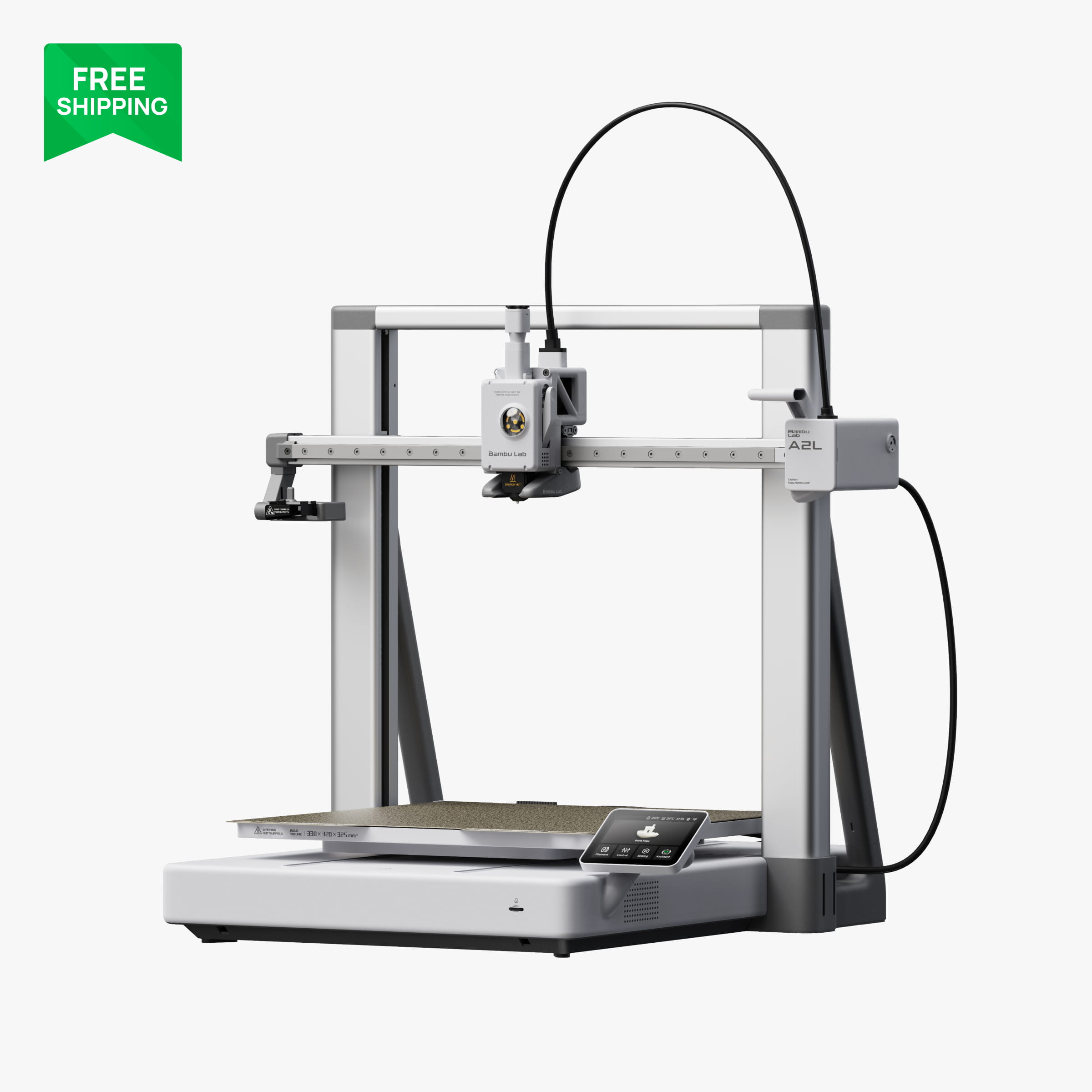
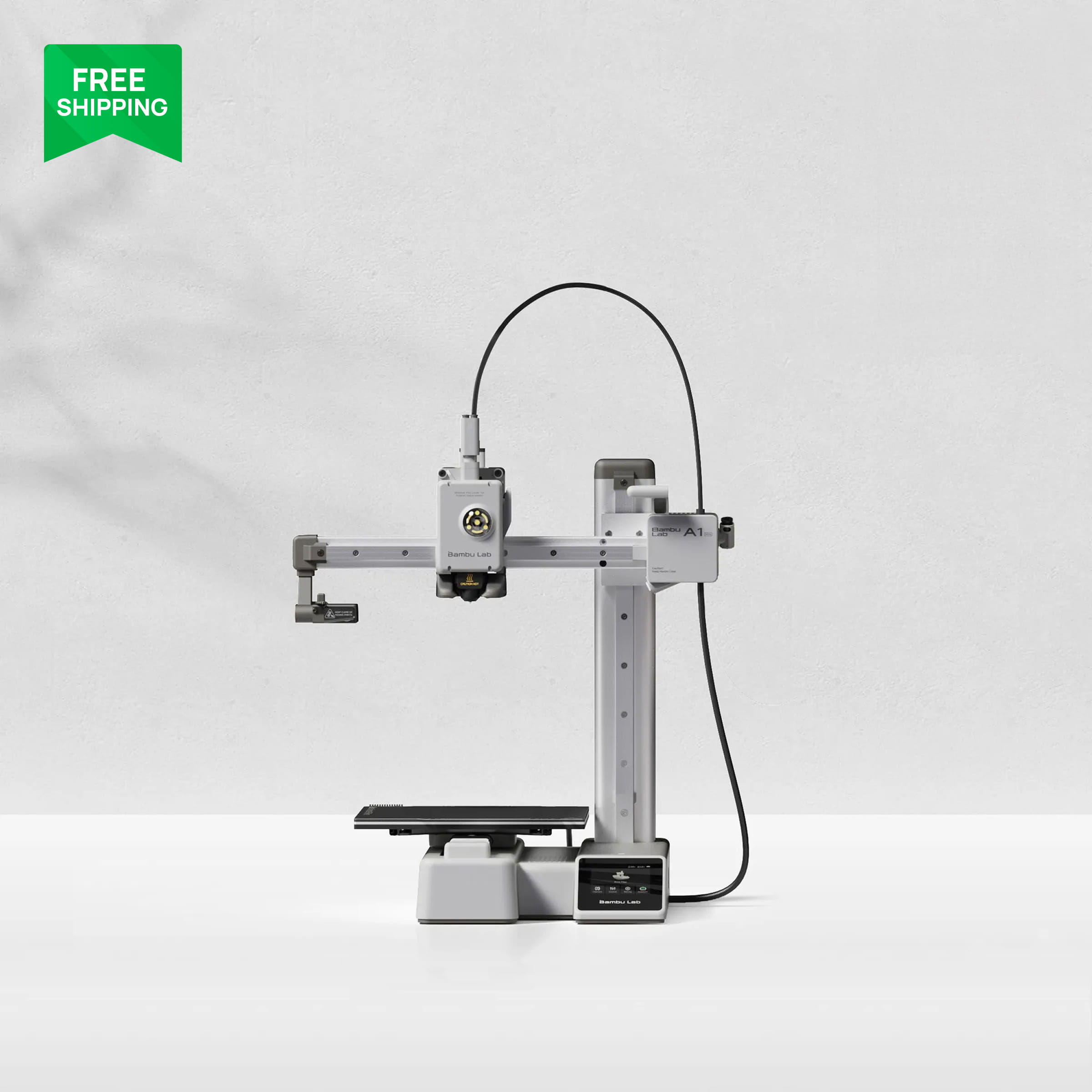
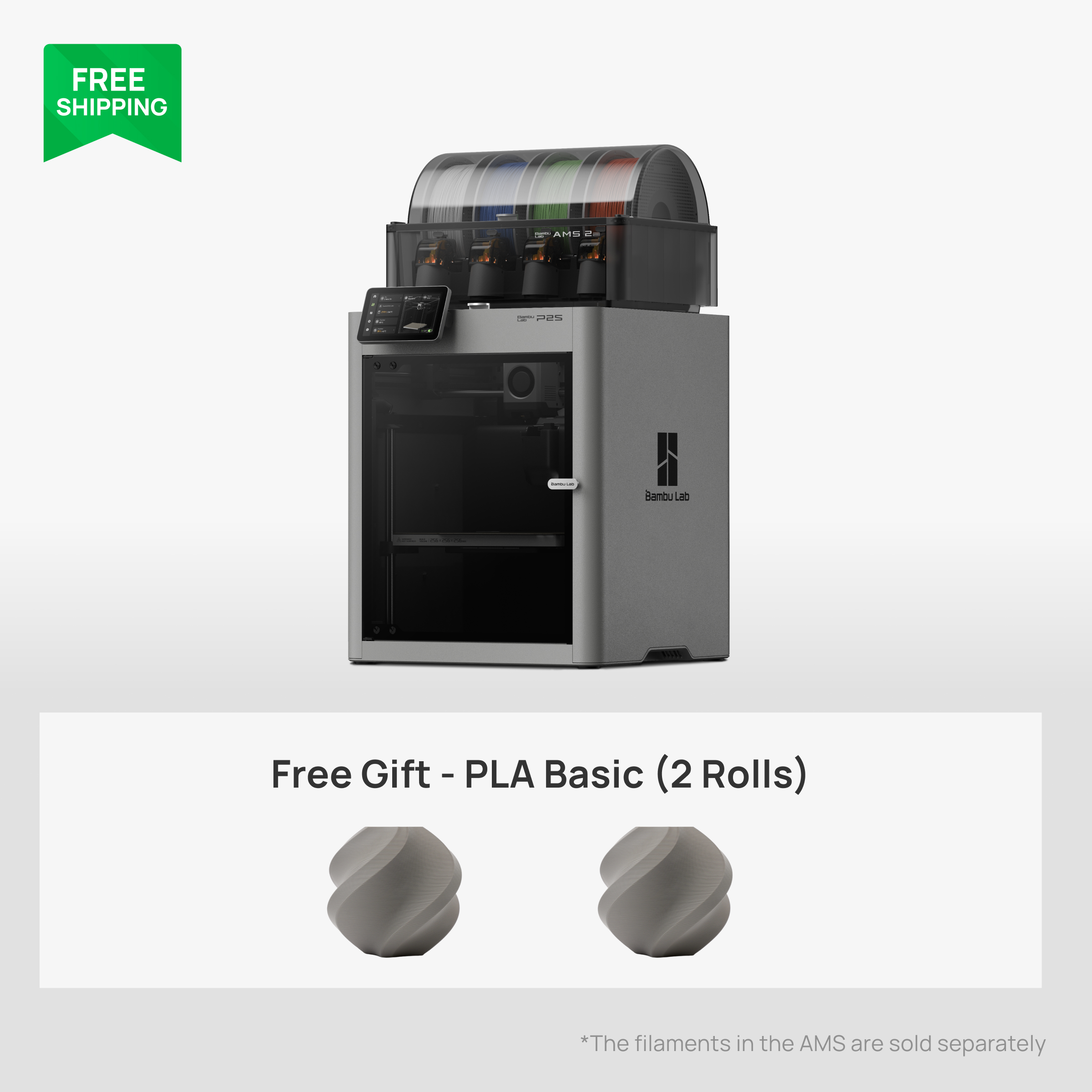
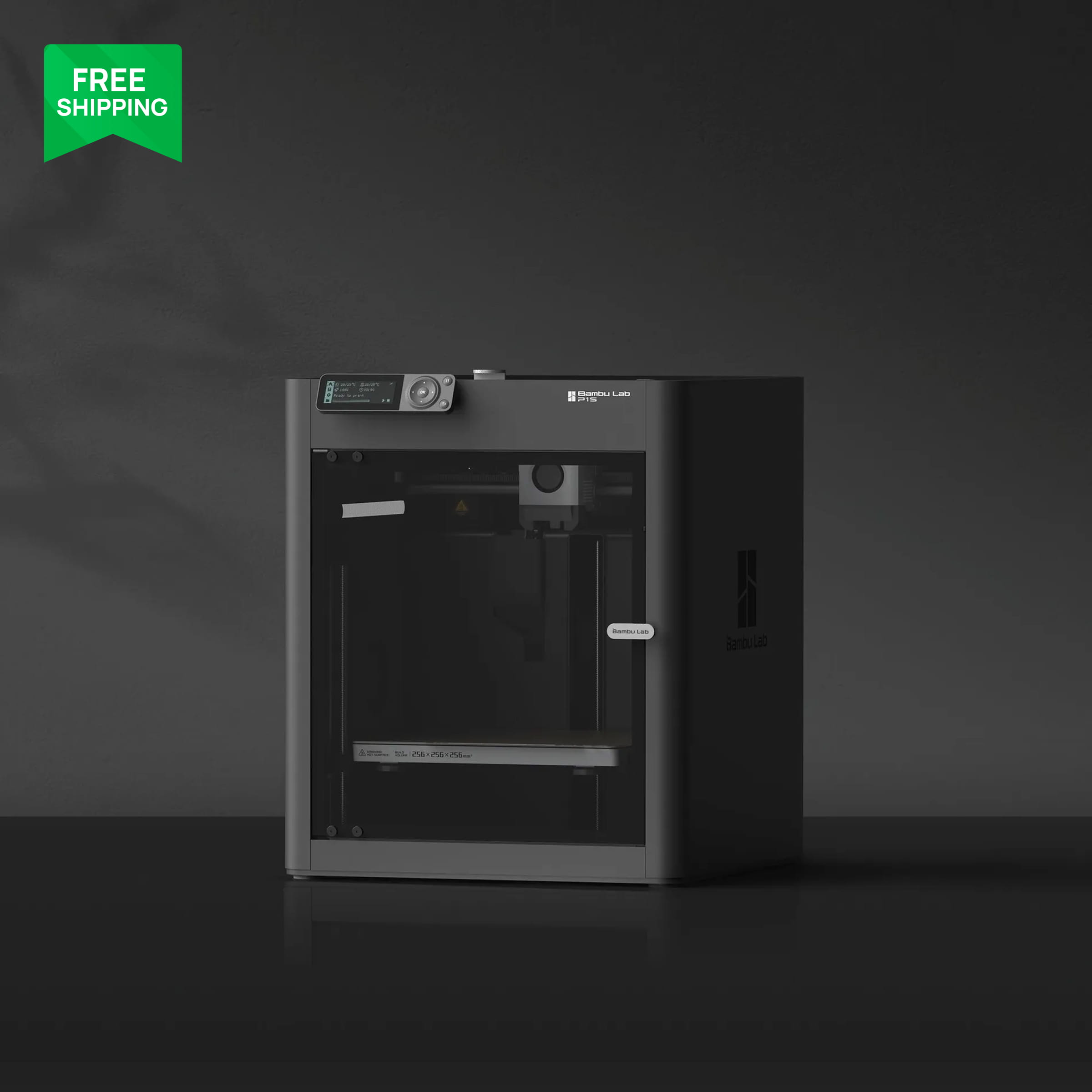
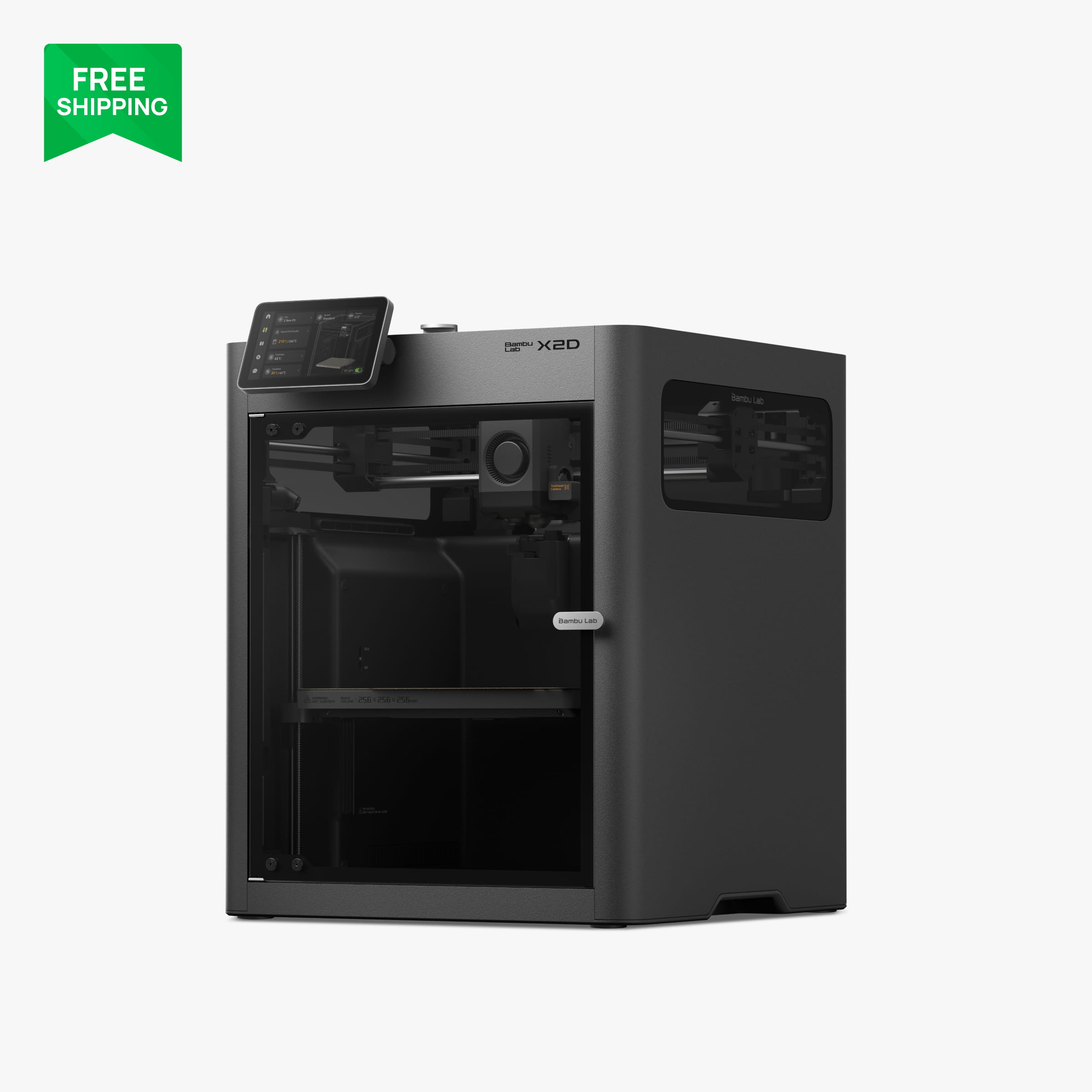
Your printer decides your AMS. The A1 and A1 mini only take the AMS lite. The P1S, P2S, X2D and H series take the original AMS, the AMS 2 Pro (four spools, active drying) and the AMS HT (one spool, high-temperature drying). The A2L bridges both, taking the AMS lite as well as the AMS 2 Pro and AMS HT. If you are buying a P2S today, get the AMS 2 Pro; if you are buying an A1, the AMS lite is your only and perfectly good option.
What an AMS actually does
AMS stands for Automatic Material System. Each unit holds spools and feeds one at a time into the printer's single extruder through a PTFE tube. When the slicer calls for a colour change, the printer retracts the current filament, the AMS pulls it back, pushes the next one forward, and the printer purges the old colour into a little tower or a poop chute before continuing. It is what makes multi-colour printing on a single-nozzle machine possible.
The less obvious benefits are the ones we use most. Backup spools: if a spool runs out, the AMS switches to another slot with the same material and the print carries on. Material switching without touching anything: load PLA in slots one and two and PETG HF in three and four, and just pick the right one in the slicer. Those two alone justify an AMS on a printer that never prints more than one colour.

AMS lite: for the A1 and A1 mini (and A2L)
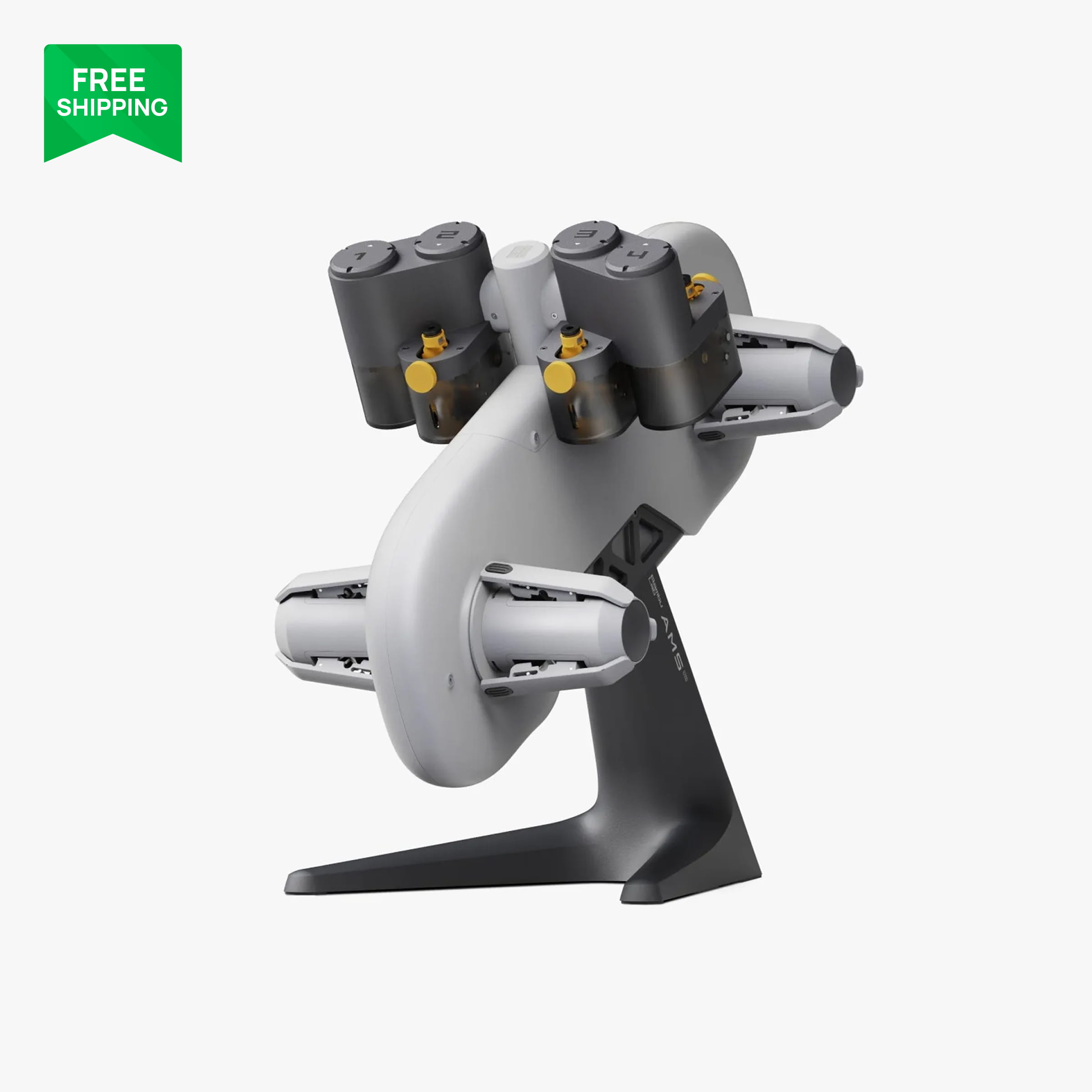
The AMS lite is an open four-spool carousel that sits next to the printer on its own stand. It is the only AMS the A1 mini and A1 support, and it also works with the A2L. Because it is open, spools are visible and trivially easy to load, but there is no humidity control and no drying. Keep your spools in dry bags when the printer is idle and you will be fine.
We run AMS lite on our A1 for RC body colours and it just works. Loading is the easiest of all the systems because there is no lid and no spool-holder geometry to fight.
AMS: the original enclosed four-spool unit
The original AMS is the closed box that sits on top of a P1S, P2S, X2D or H-series printer. Four spools, a lid, desiccant slots, humidity readout and RFID reading for Bambu Lab spools so the printer knows what is loaded. Up to four units chain together for sixteen colours on one printer. It does not dry filament; it just keeps it from getting wetter. It is still a solid choice if you find one discounted, and it works on every enclosed Bambu Lab printer.
AMS 2 Pro: the one to buy for enclosed printers
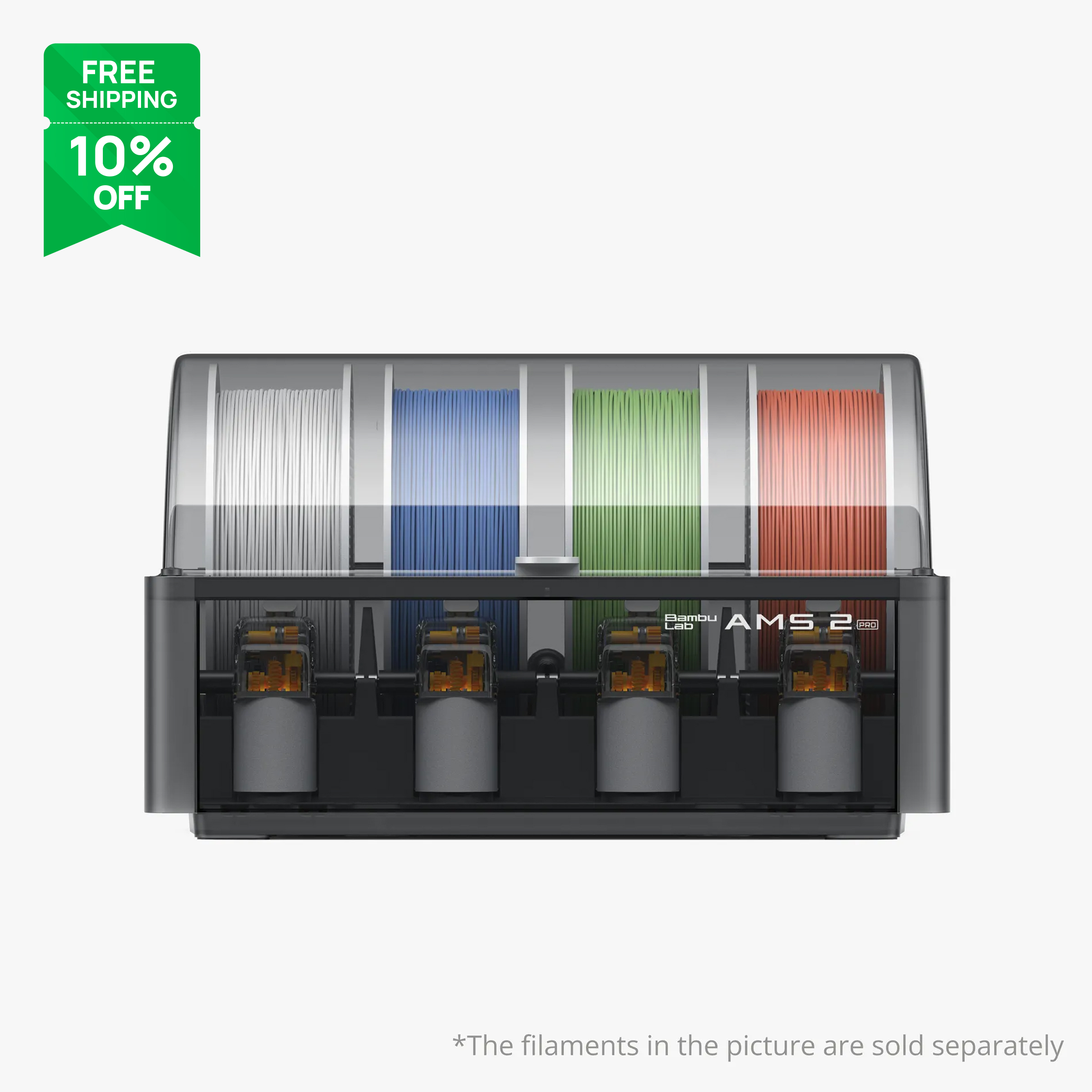
The AMS 2 Pro is the second-generation four-spool unit. The headline feature is active drying: it heats the spools in place so you can dry PETG, PLA or nylon before or between prints without a separate dryer. It also feeds more reliably on brittle or slippery filament. On the P2S, X2D and H-series machines drying works straight off the printer's power. On the older X1C and P1S it still works for multi-colour, but the drying function needs an external power adapter and a compatibility kit. Check your model before you assume.
If you are buying a new enclosed printer, this is the AMS to pair with it. The drying alone has saved us from more stringy PETG prints than we can count.
AMS HT: one spool, high temperature
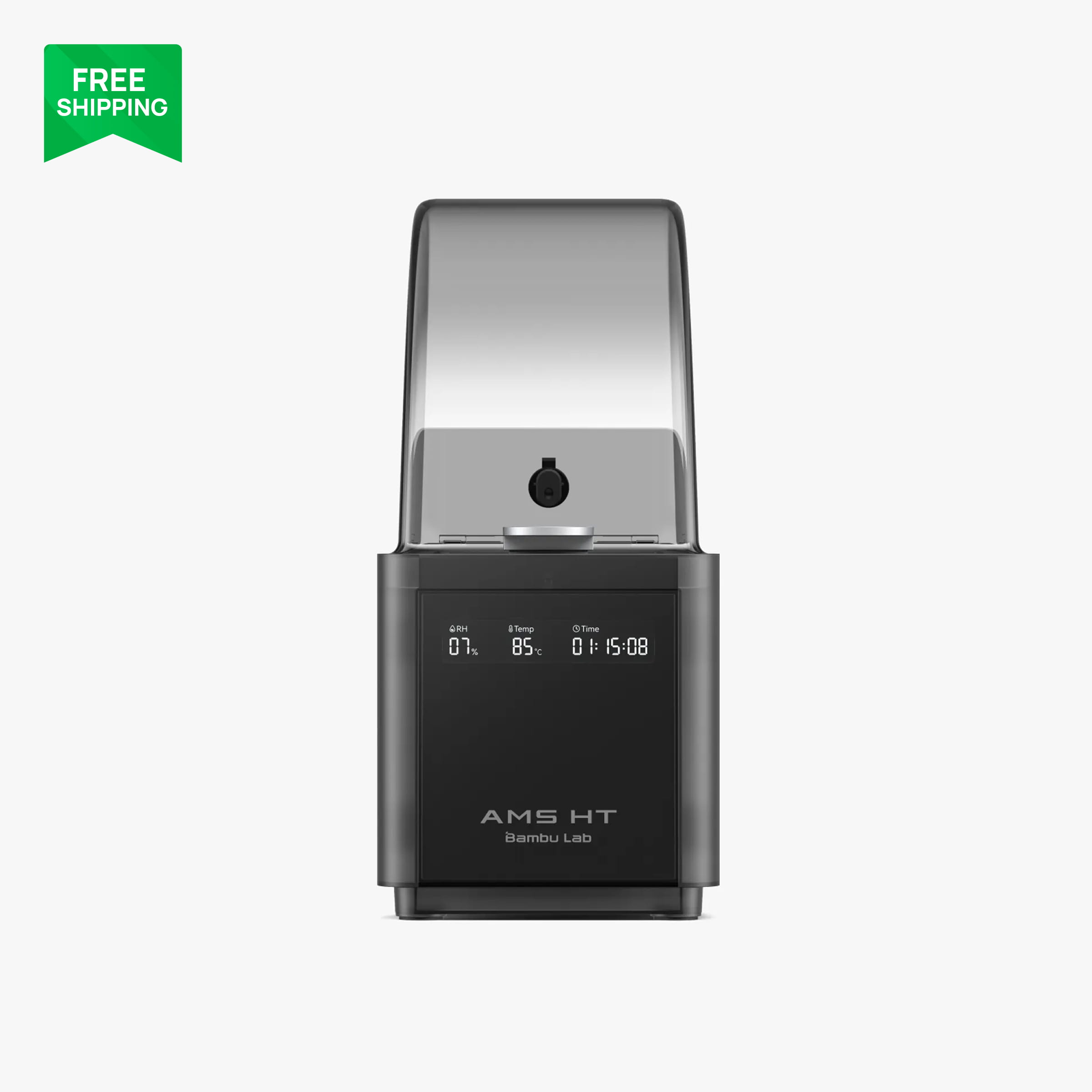
The AMS HT is a single-spool unit that dries hotter than the AMS 2 Pro, which makes it the right box for nylon, PC and other filaments that drink moisture. It sits alongside the main AMS and feeds the same printer, so a common setup is one AMS 2 Pro for colours and one AMS HT for the engineering spool. It is not supported for drying on the P1 series or A1 series. It does work with the A2L, with an external power supply for the drying function.
Compatibility cheat sheet
- A1 mini, A1: AMS lite only.
- A2L: AMS lite, AMS 2 Pro, AMS HT (drying needs external power).
- P1S: AMS, AMS 2 Pro (drying needs adapter and compatibility kit), AMS HT for feeding but not drying.
- P2S, X2D, H2S, H2D, H2C: AMS, AMS 2 Pro, AMS HT, all functions.
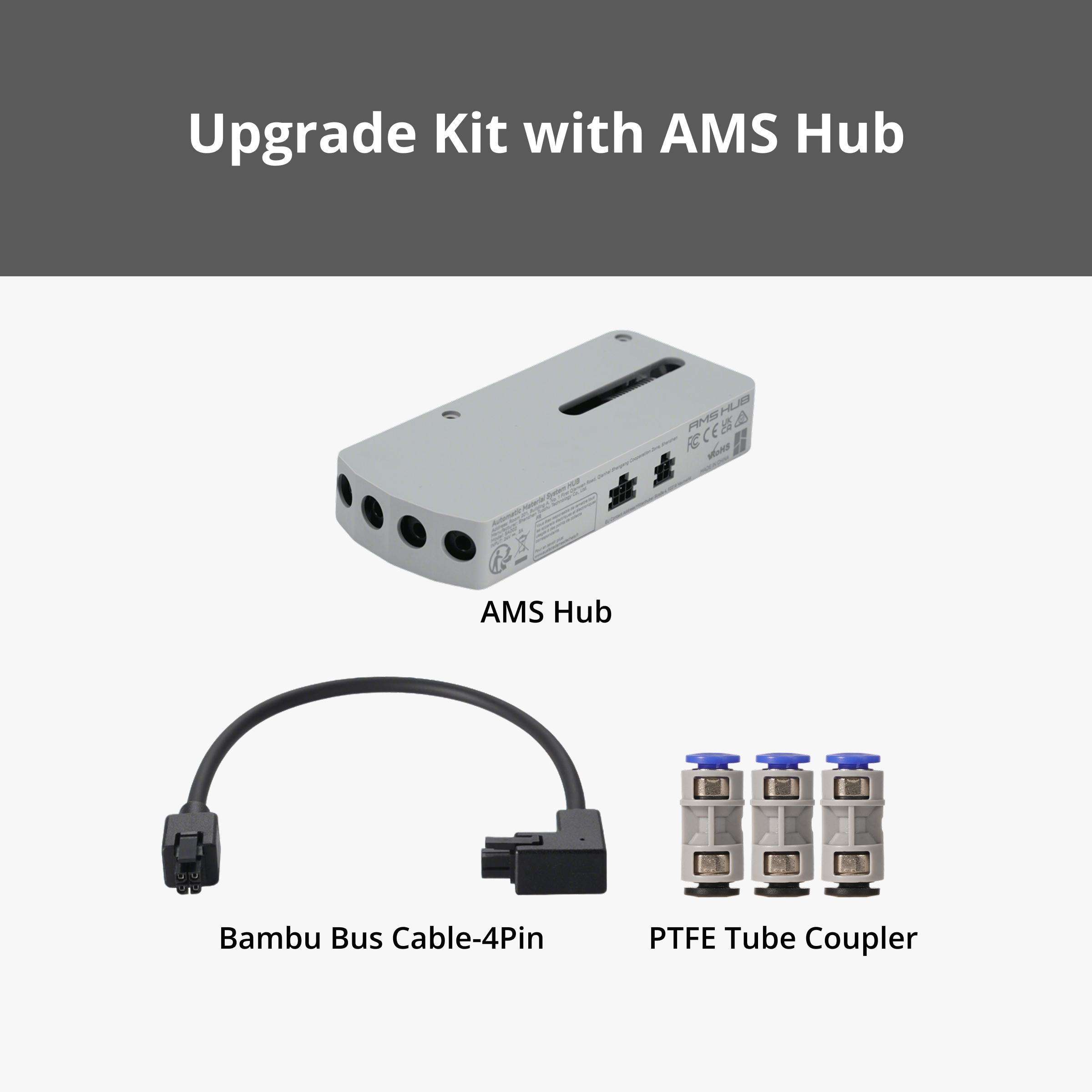
If you want more than four spools on an A1, the AMS Hub for the A1 series lets you chain extra AMS lite units.
FAQ
Can I use the AMS lite on a P1S or P2S?
No. The AMS lite is designed for the A series (A1 mini, A1, A2L). The enclosed printers use the AMS, AMS 2 Pro and AMS HT.
Does the AMS waste a lot of filament?
Multi-colour prints do purge between colour changes and the waste adds up on a print with hundreds of swaps. Single-colour prints from an AMS waste nothing. Bambu Studio lets you reduce purge volumes and reuse purge in infill.
Do I need the AMS 2 Pro if I already own a filament dryer?
Not strictly. The original AMS plus a separate dryer does the same job with an extra step. The AMS 2 Pro just removes the step, which matters more than it sounds when you print daily.
More guides
- Which Bambu Lab Printer Should You Buy? A Maker's Decision Tree
- Bambu Lab A1 vs P1S vs P2S: Which Mid-Range Printer Is Right for You?
- Best Bambu Lab Filament for Functional Parts: PLA Basic vs Tough+ vs PETG HF vs ABS
- Bambu Lab Build Plates Explained: Which Plate for Which Filament
- Your First Week with a Bambu Lab Printer: Setup, First Prints and What to Buy
- Printing RC Car Parts on a Bambu Lab Printer: Our Club Race Hero Workflow