
Which Bambu Lab Printer Should You Buy? A Maker's Decision Tree
Short version: buy the A1 mini if you want the cheapest way in and your parts fit in a 180 mm cube, the A1 if you want a full-size bed for the least money, the P2S if you want an enclosed printer that handles ABS and PETG without fuss, and an H-series machine only if you need big volume, dual materials, or a laser. For most people reading this, the answer is A1 or P2S.
Start with the one question that matters: enclosed or open?
Every Bambu Lab printer splits into two families. The A series (A1 mini, A1, A2L) are open bed-slingers: the bed moves back and forth, there are no walls, and they are cheap, fast and easy to live with. The P, X and H series are CoreXY machines inside a box. The box matters for one reason: warp-prone filaments like ABS and ASA want still, warm air, and an open printer gives them neither.
Our honest take after a lot of hours on both: if you will mostly print PLA and PETG, the open machines are not a compromise. We print plenty of functional RC parts on an A1 in PLA Tough+ and PETG HF and they hold up. The moment you want ABS for heat resistance or you want the printer in a room you also live in (enclosures are quieter and keep fumes contained), step up to a P2S or P1S.
Under $400: A1 mini vs A1
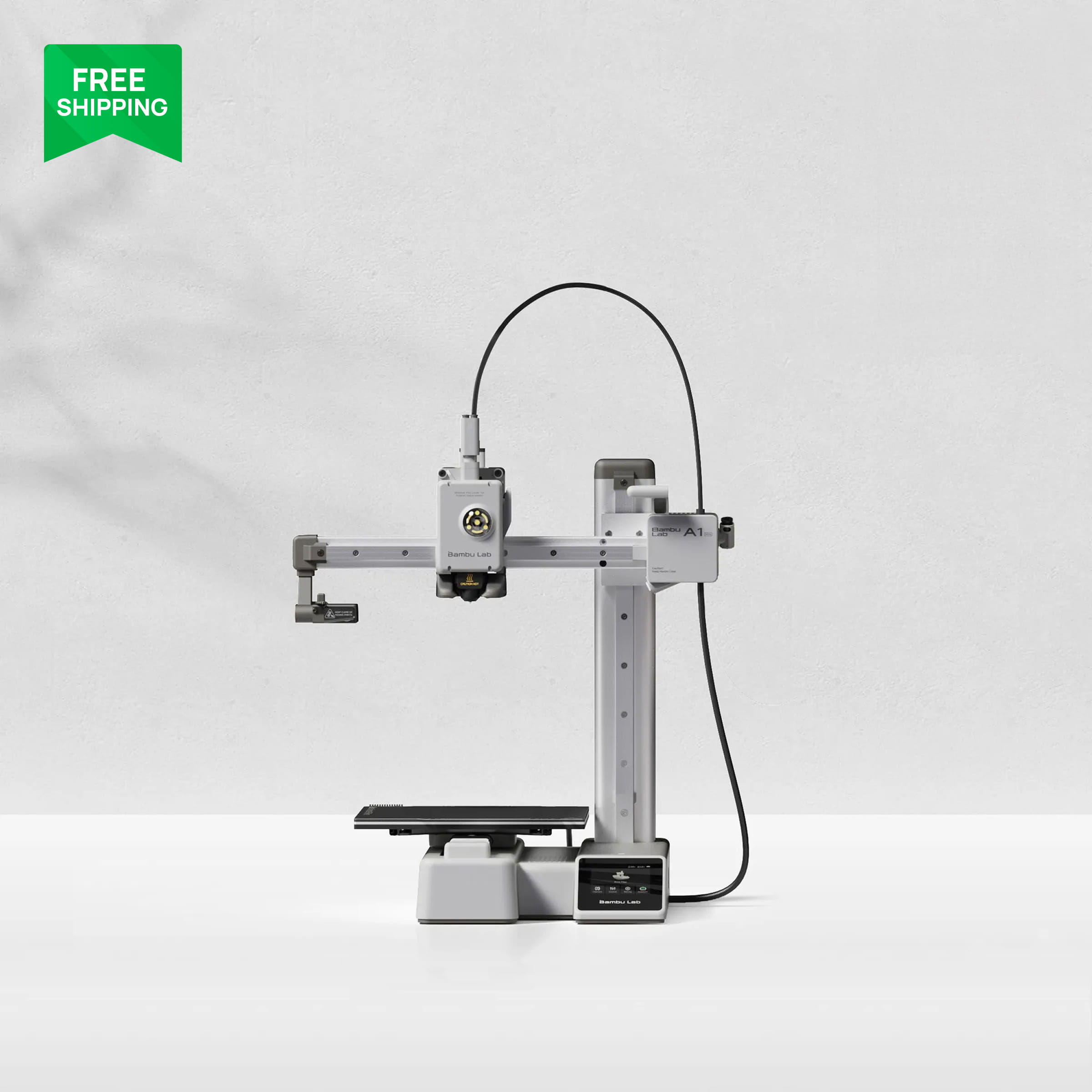
The A1 mini is the cheapest Bambu Lab printer and it is a real printer, not a toy. It has the same auto bed levelling, flow calibration and input shaping as its bigger siblings. The catch is the 180 mm cube build volume. For miniatures, phone stands, small brackets and our 1/28-scale RC bodies it is plenty; for a helmet or a full-size chassis plate it is not.
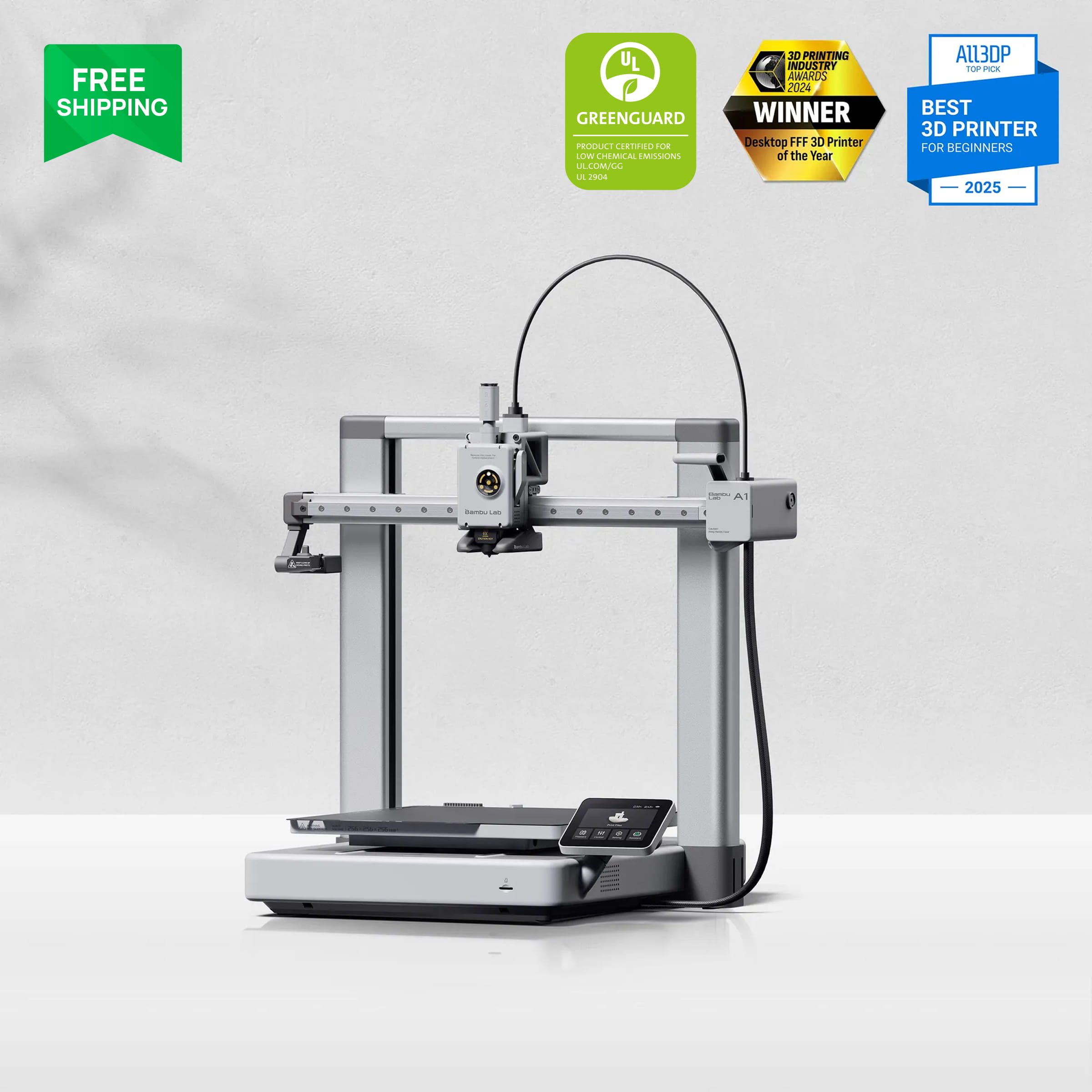
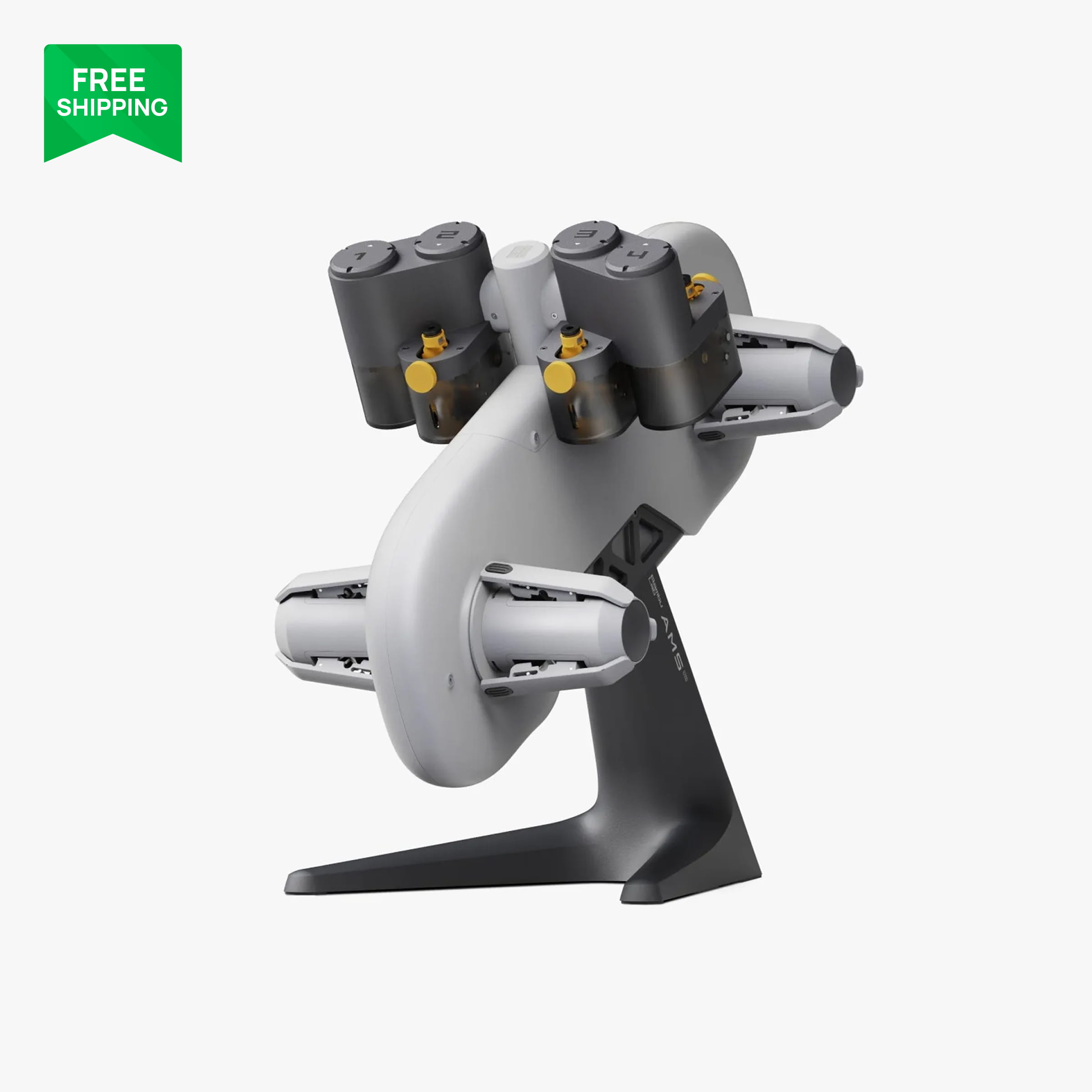
The A1 costs a little more and gives you a 256 mm cube, which is the same footprint as the P1S and P2S. That is the volume we recommend for a first printer because you stop thinking about whether parts will fit. Both take the AMS lite for four-colour printing, and both use the same cheap quick-swap hotends, which is a nice thing to discover the first time you jam one at 11 pm.
If the choice is between the two and the money is there, get the A1. The bigger bed earns its keep within the first month.
$400 to $700: P1S, P2S and X2D
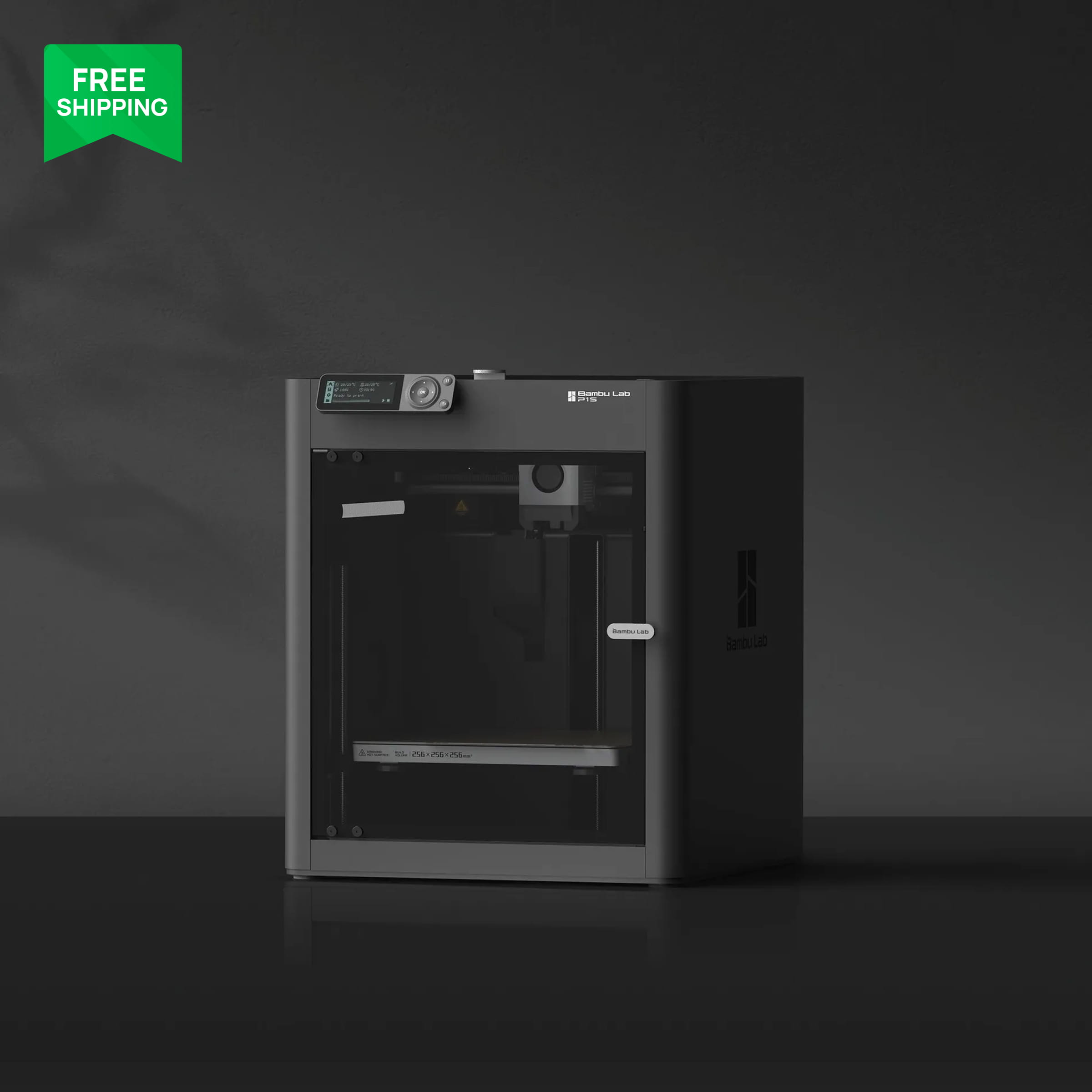
The P1S is the older enclosed workhorse and it is now priced close to the A1. It has the 256 mm cube, an enclosure, a carbon filter and AMS support. What it lacks is the newer touchscreen, the stronger extruder and the rigidity improvements of the P2S. It is still a good buy if it is on sale, and it is the printer a lot of print farms were built on.
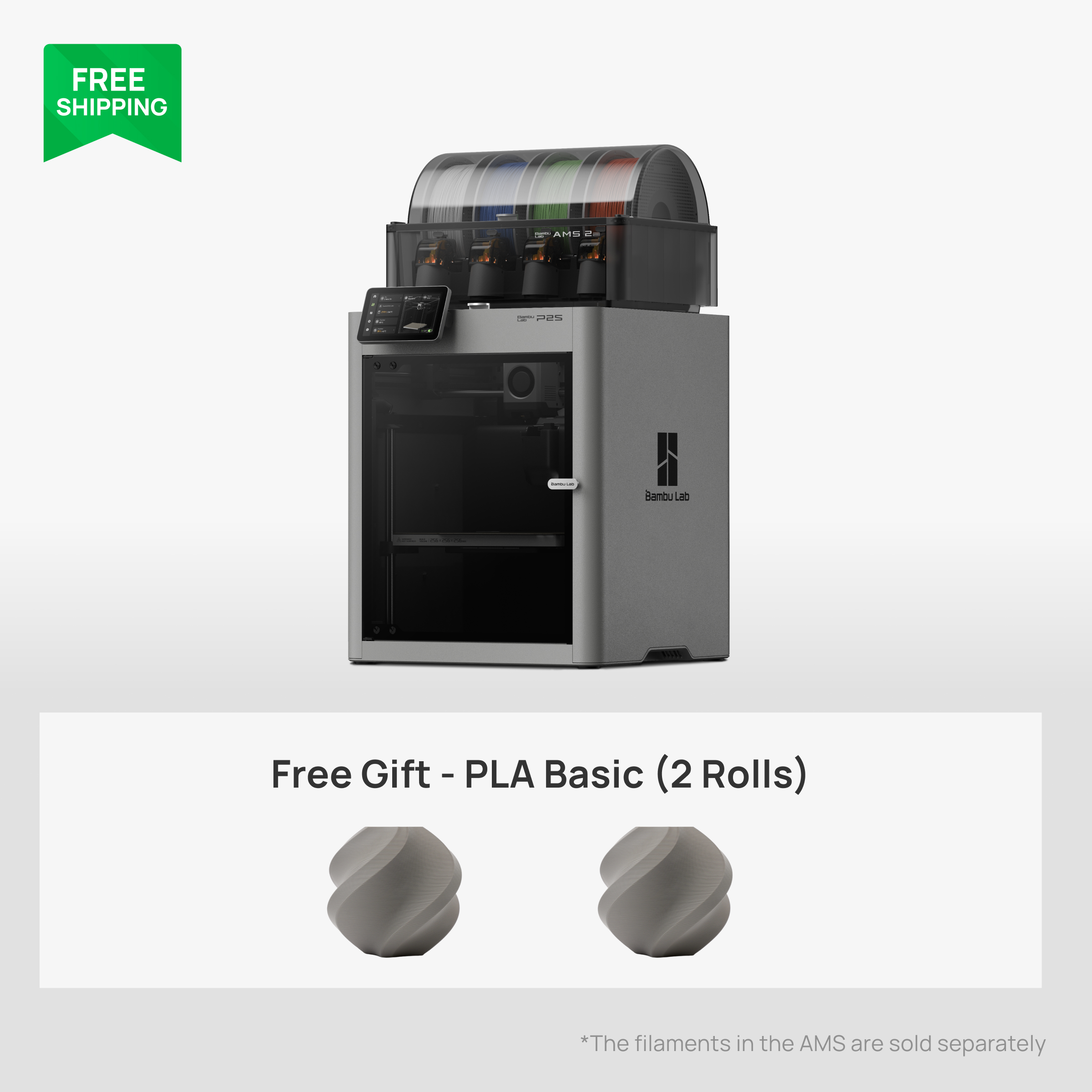
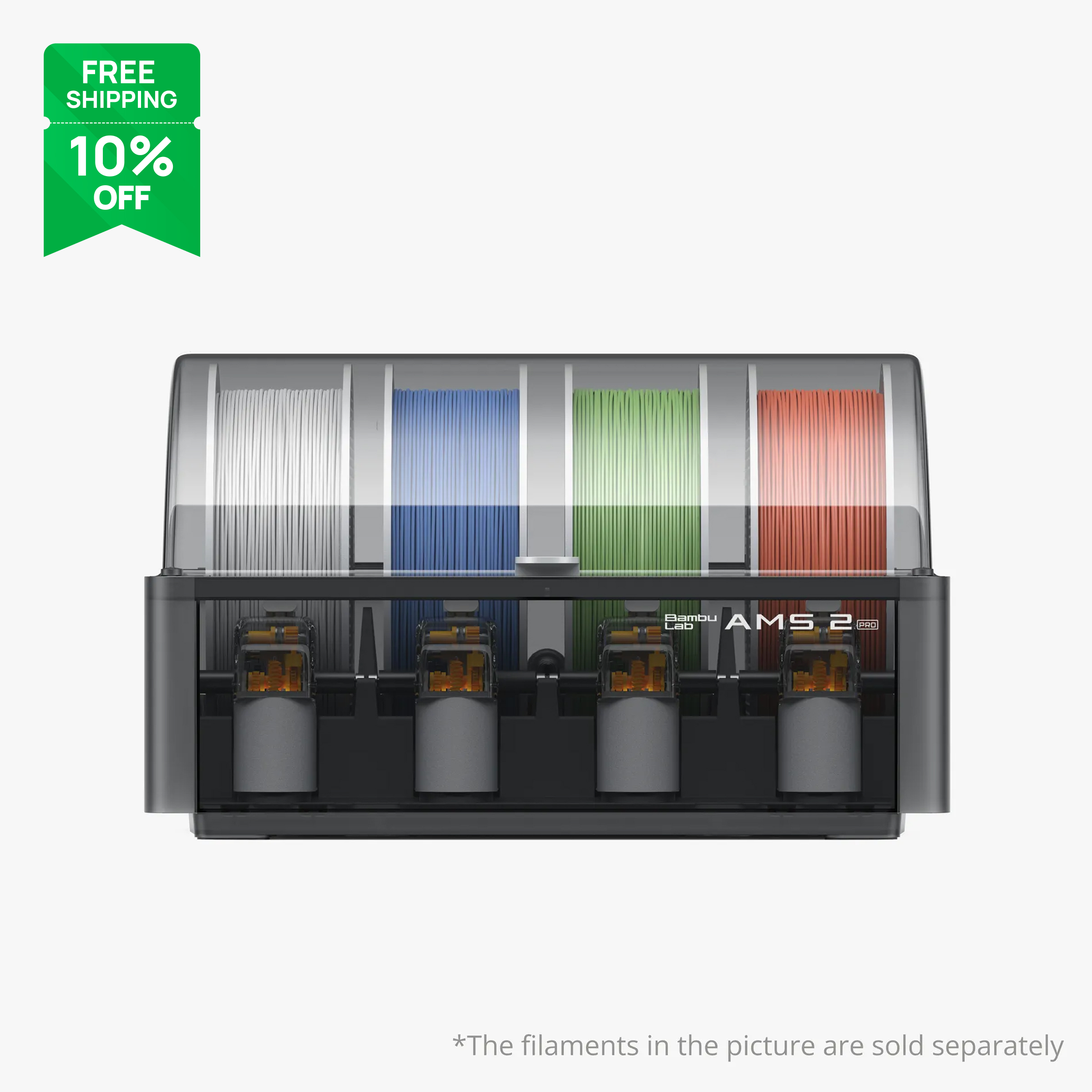
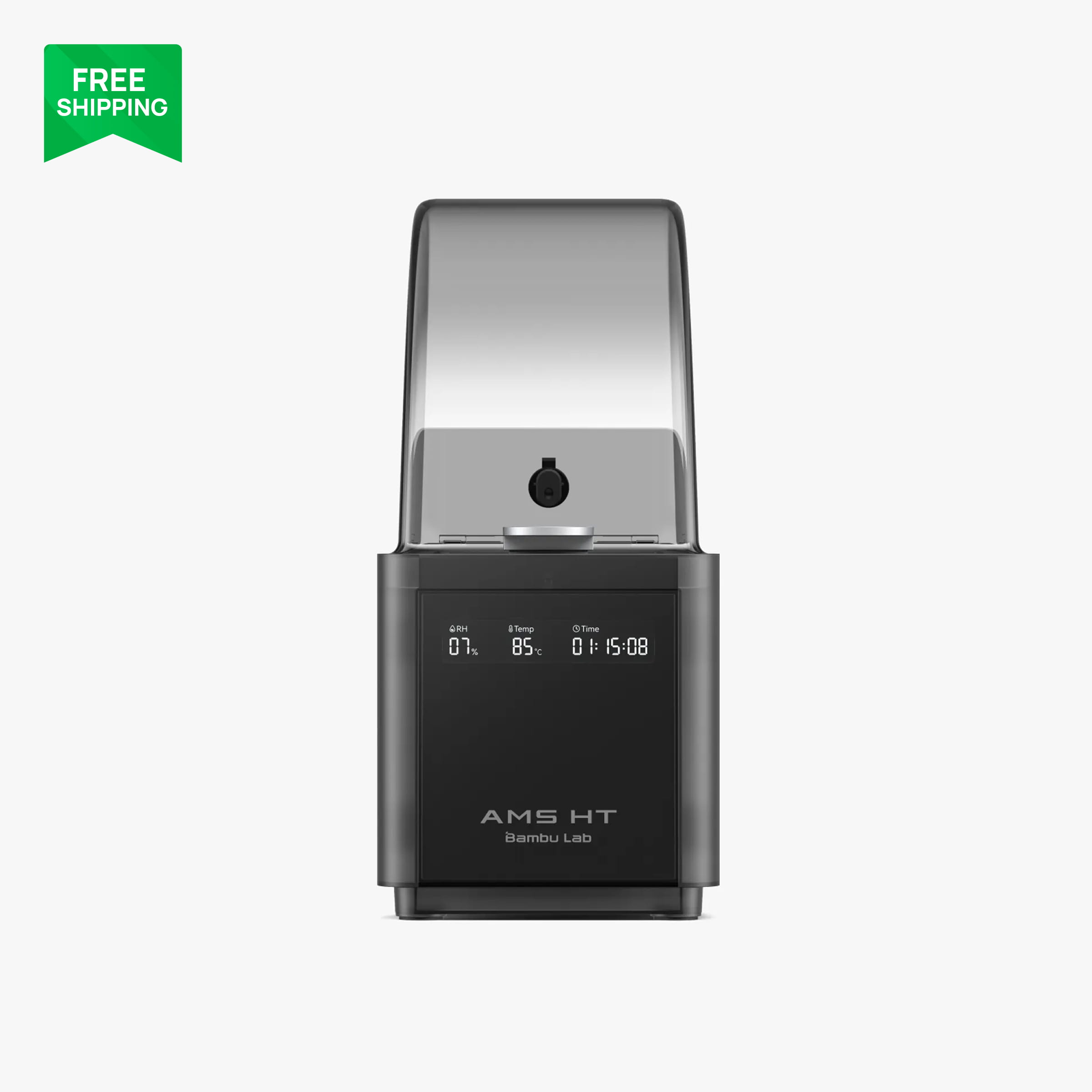
The P2S is the one we point most people to. Same volume, enclosed, a 5-inch touchscreen, a much stronger extruder and a frame that has been stiffened so it holds detail at high speed. Bambu Lab rates it for very high top speeds, though in practice you will run the stock profiles and enjoy the quality rather than chasing the headline number. It takes the AMS 2 Pro and AMS HT, so drying and multi-colour are on the table from day one.
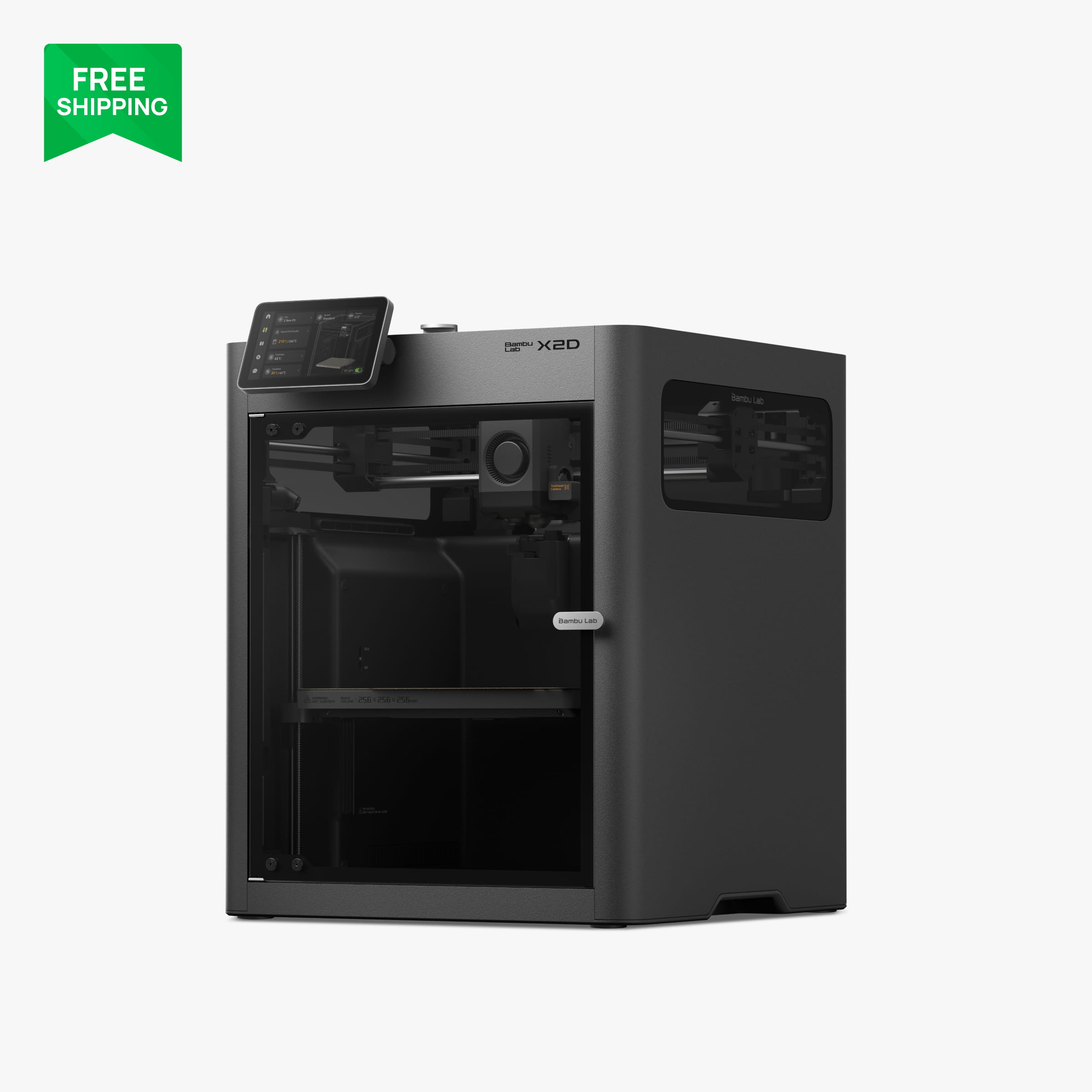
The X2D is the interesting one. It is an enclosed 256 mm machine with a heated chamber and two nozzles on one toolhead: a direct-drive nozzle for the model and a second nozzle for support material. If you print a lot of overhung engineering parts and hate cleaning supports, the soluble or breakaway support workflow on the X2D is genuinely nicer than anything a single-nozzle printer can do.
Over $1,000: H2S, H2D and H2C
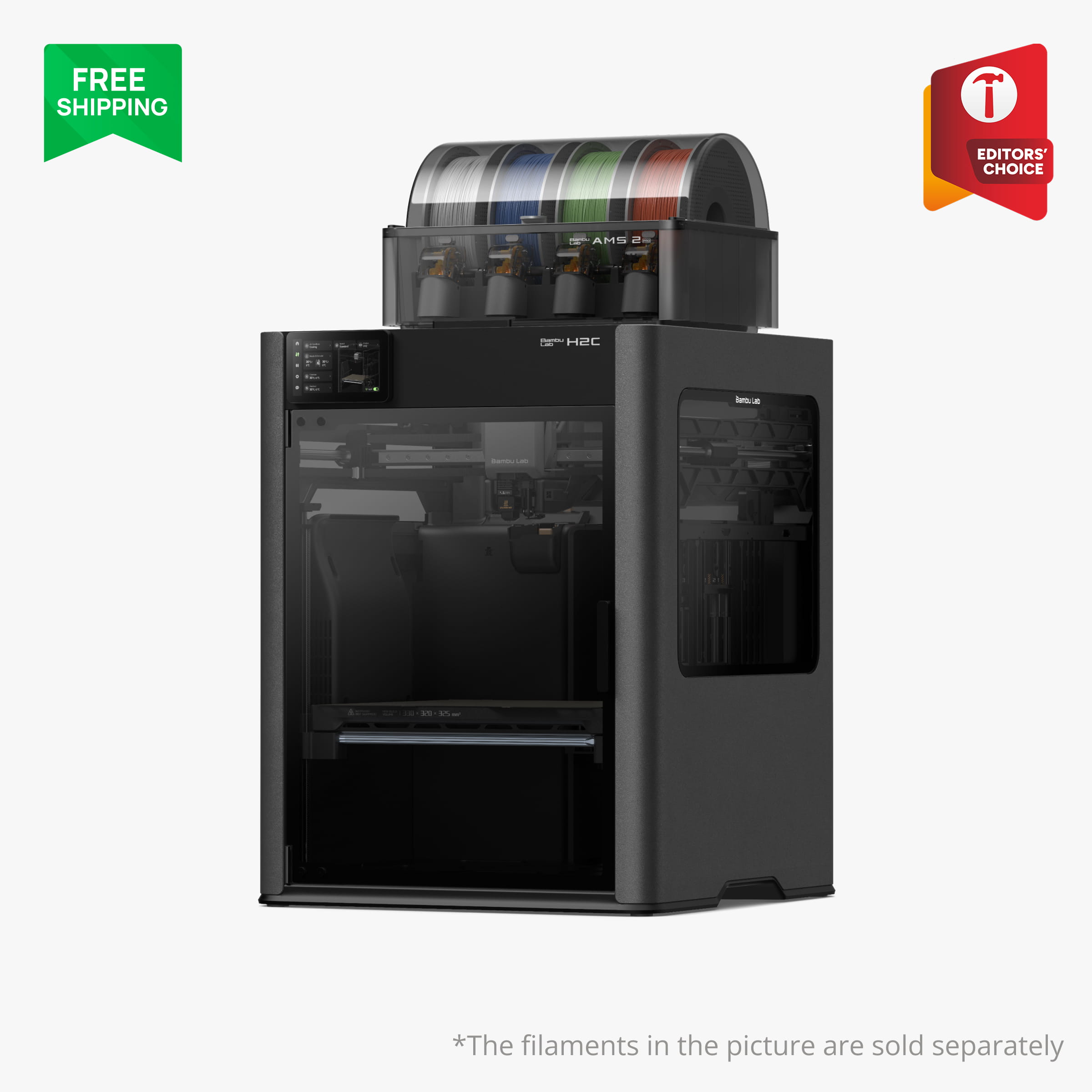
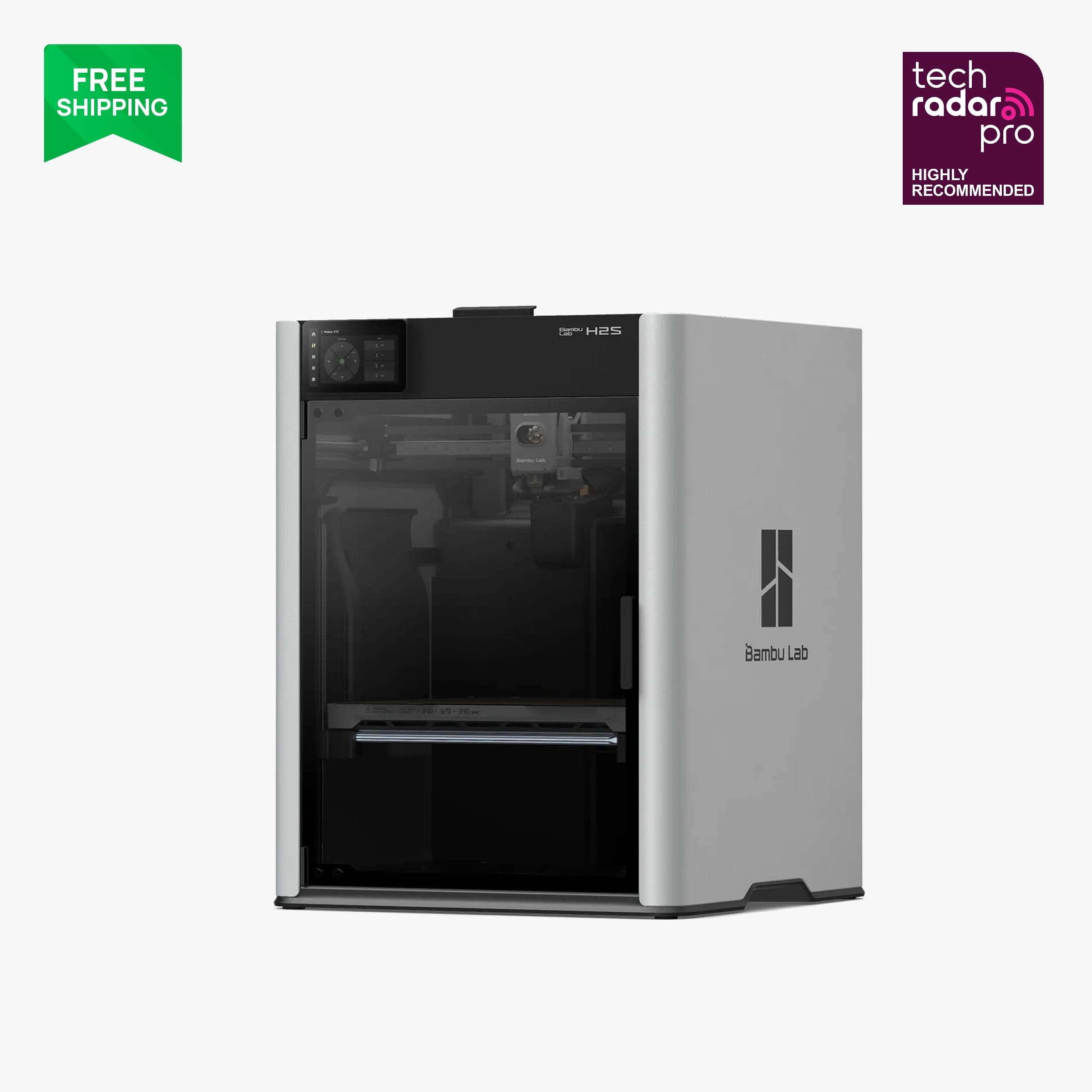
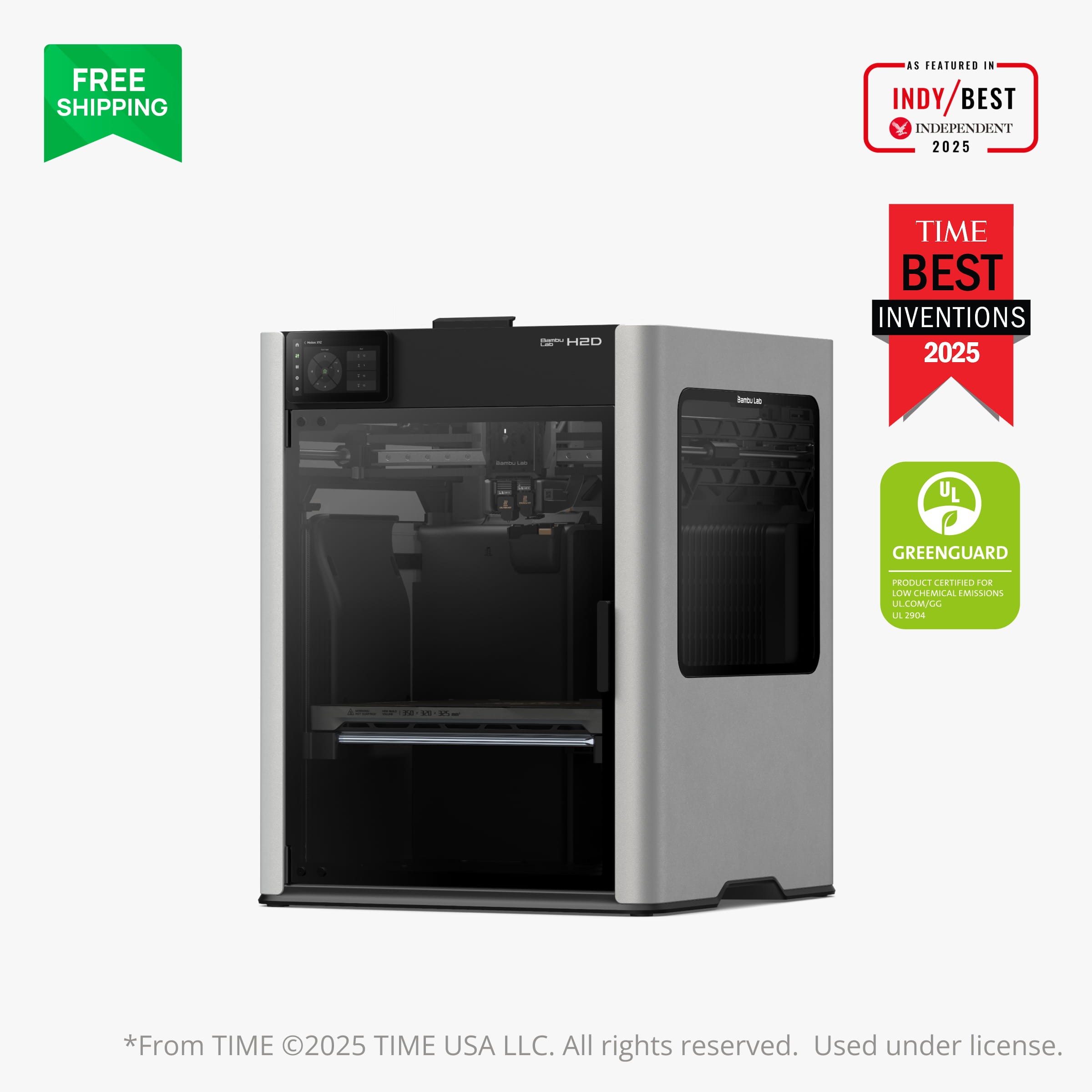
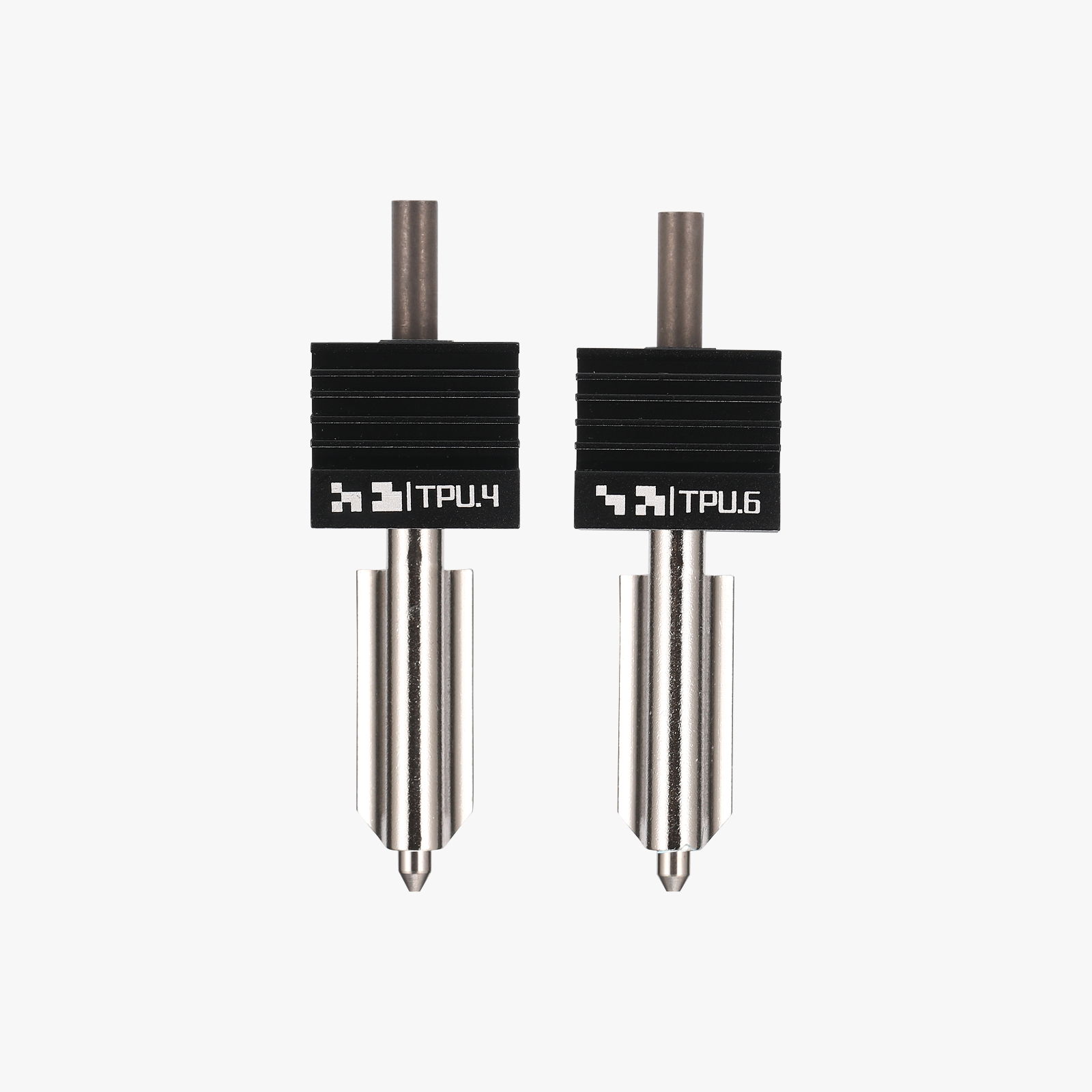
The H series is where the build volumes get big (all three are in the 320 to 340 mm class) and the features stack up. The H2S is the single-nozzle, simplest and fastest of the three, and if you just want a large enclosed printer it is the one to get. The H2D adds a second nozzle so you can print two materials without purging, and it is the machine that also takes optional laser and cutting modules. The H2C replaces the dual-nozzle setup with a tool-changing rack of induction hotends, so each colour or material gets its own hotend and purge waste drops dramatically.
Our view: the H2C is superb but it is a lot of money to solve a problem most hobbyists do not have. Unless you are printing multi-material daily, the H2S gives you the size and the speed for far less.
The new wildcard: A2L
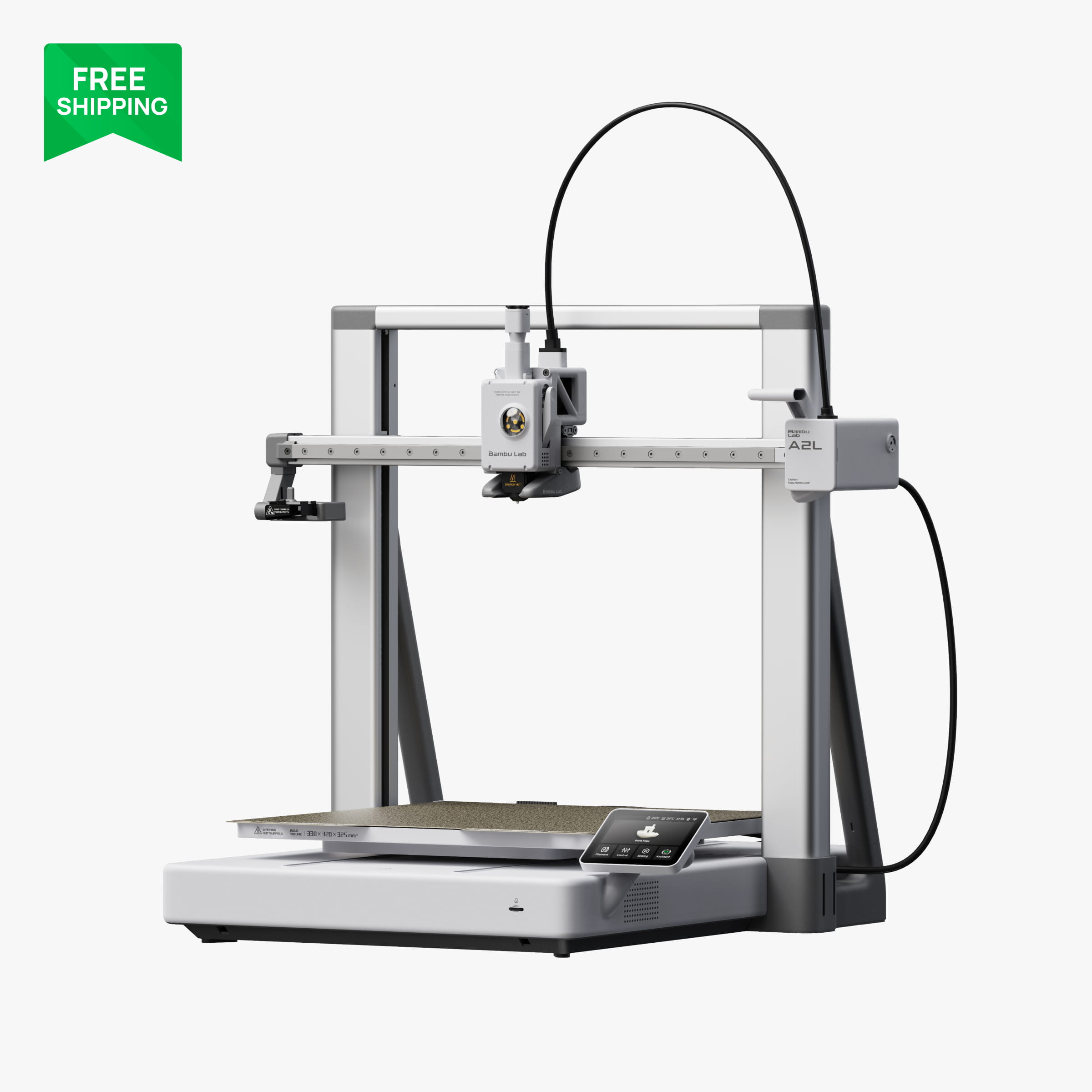
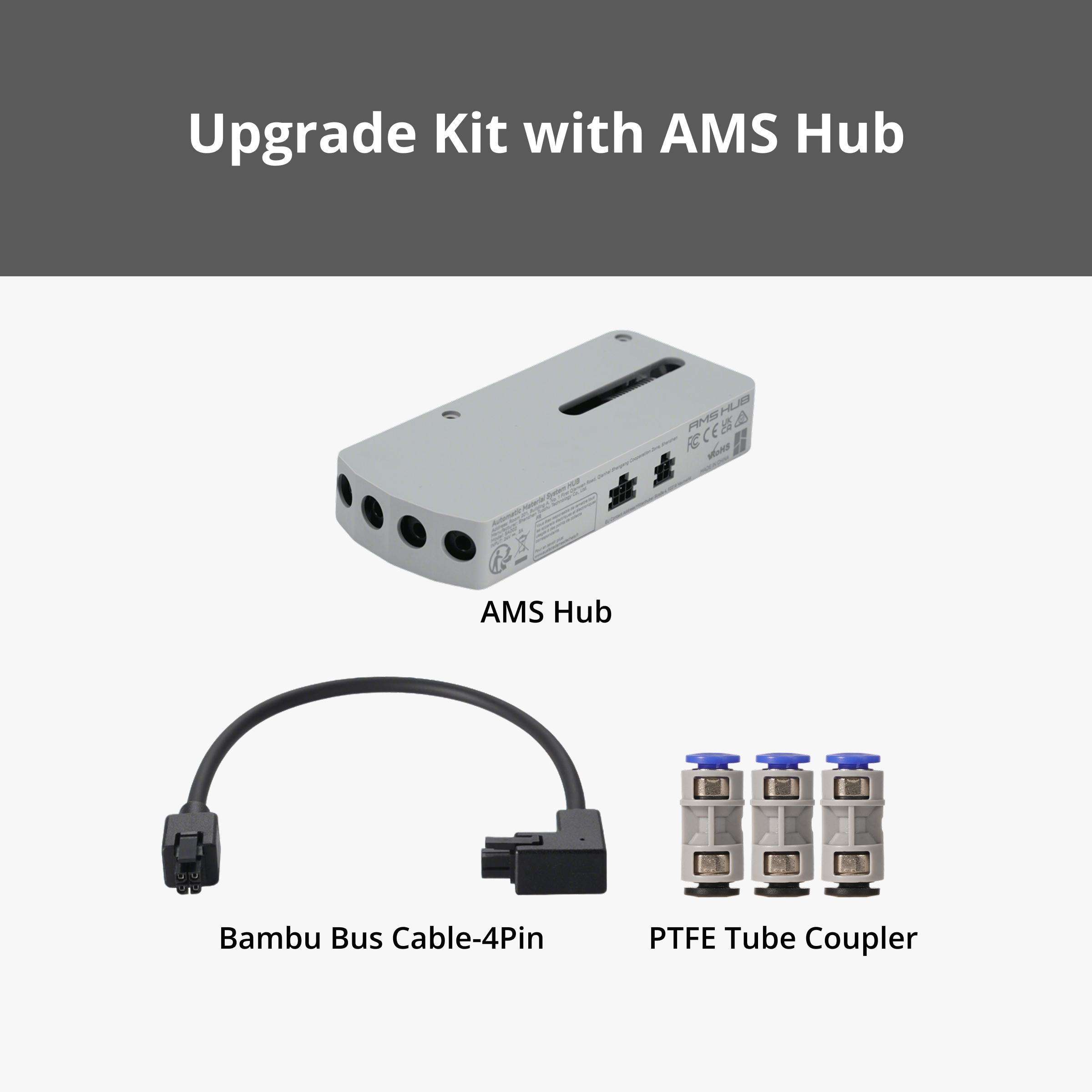
The A2L is an open-frame printer with a build volume around 330 × 320 × 325 mm, which is H-series size at an A-series price. It works with the AMS lite, and with the AMS 2 Pro and AMS HT too, though the drying function on those needs its own external power supply when paired with the A2L. If you want to print large PLA and PETG parts (cosplay, furniture brackets, full RC chassis plates in one piece) and you do not need an enclosure, it is the best value per cubic millimetre in the lineup.
Our picks, by person
- First printer, tight budget: A1 mini. Add an AMS lite later.
- First printer, sensible budget: A1. It is what we would hand a friend.
- Wants ABS, wants quiet, wants it in the house: P2S. The P1S if the discount is steep.
- Engineering parts with nasty overhangs: X2D.
- Big parts, no enclosure needed: A2L.
- Big parts, enclosed, keep it simple: H2S.
- Multi-material every day or wants a laser: H2D or H2C.
FAQ
Is the A1 mini too small for real parts?
For most household and hobby parts, no. A 180 mm cube covers phone stands, boxes, brackets, miniatures and our 1/28-scale RC bodies. You will only feel the limit on helmets, large enclosures and one-piece chassis plates.
Is the P1S still worth buying now that the P2S exists?
Yes, if it is discounted. It prints the same materials in the same volume. The P2S has a better screen, a stronger extruder and a stiffer frame, so at similar prices pick the P2S.
Do I need an AMS to start?
No. Every printer here prints beautifully with a single spool. Buy the printer first, print for a month, then decide whether multi-colour or automatic spool switching is something you actually want.
More guides
- Bambu Lab A1 vs P1S vs P2S: Which Mid-Range Printer Is Right for You?
- Bambu Lab AMS Explained: AMS lite vs AMS vs AMS 2 Pro vs AMS HT
- Best Bambu Lab Filament for Functional Parts: PLA Basic vs Tough+ vs PETG HF vs ABS
- Bambu Lab Build Plates Explained: Which Plate for Which Filament
- Your First Week with a Bambu Lab Printer: Setup, First Prints and What to Buy
- Printing RC Car Parts on a Bambu Lab Printer: Our Club Race Hero Workflow