
Bambu Lab A1 vs P1S vs P2S: Which Mid-Range Printer Is Right for You?
All three share a 256 mm cube build volume and the same Bambu Lab ease of use, so the decision comes down to enclosure and budget. The A1 is the open-frame bargain for PLA and PETG, the P1S is the enclosed value pick for ABS and quieter operation, and the P2S is the refined enclosed machine with a touchscreen, a stronger extruder and better high-speed quality. If you can stretch, buy the P2S; if you cannot, the A1 is not a step down in print quality.
What they have in common
It is worth saying up front: print quality on PLA is close to identical across these three. They all run the same slicer, the same calibration routines, the same filament profiles and the same lidar-free flow and vibration compensation. A well-tuned A1 print next to a P2S print in PLA Basic is hard to tell apart. What you are paying for as you go up the range is the ability to print more materials, the noise level, the build and the small conveniences.
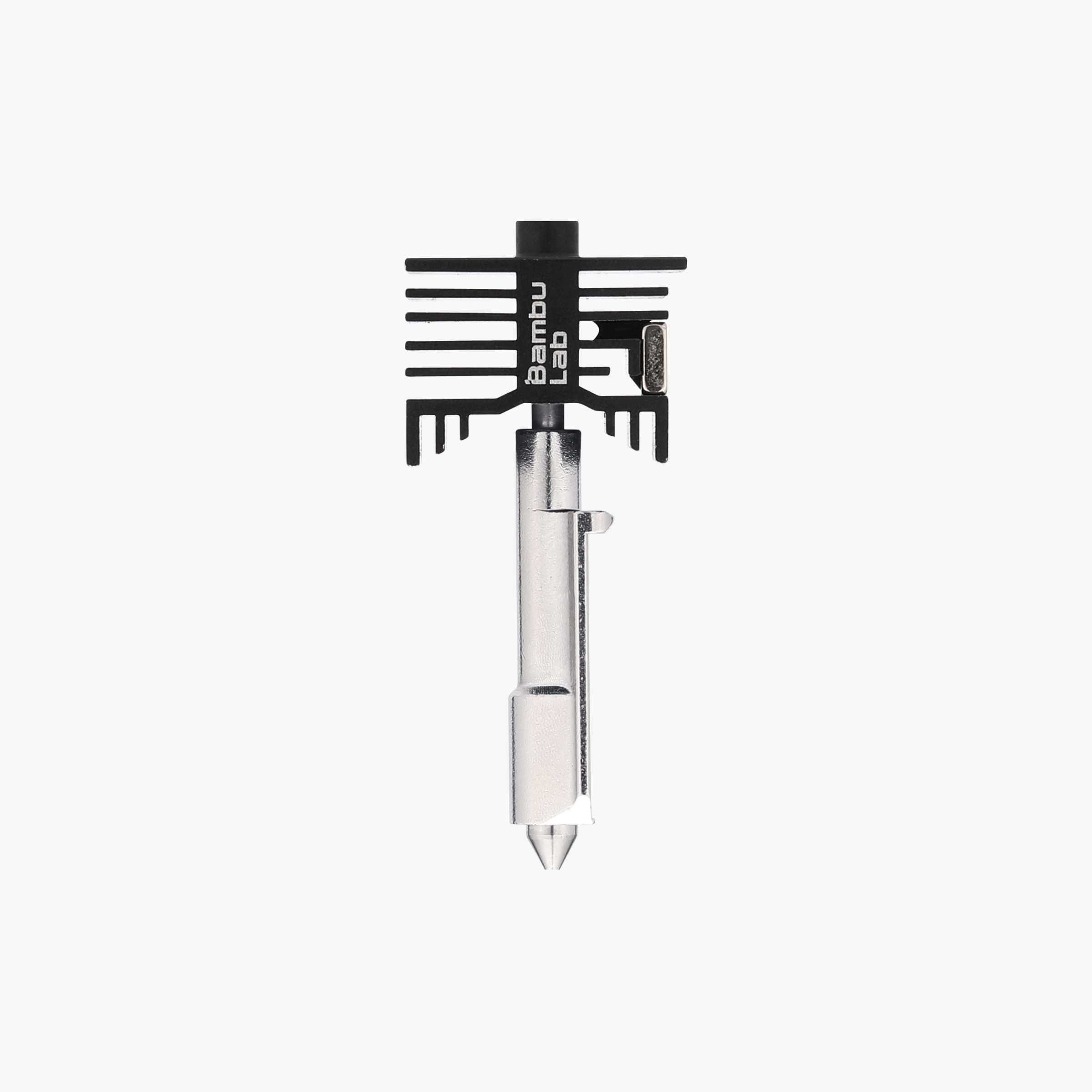
All three also take quick-change hotends, so nozzle swaps from 0.4 mm to 0.2 mm for detail or 0.6 mm for fast structural parts take about a minute. The A1 uses the cheaper A1-series hotend; the P1S uses the P1 hotend; the P2S shares hotends with the H2 series.
A1: the open-frame workhorse
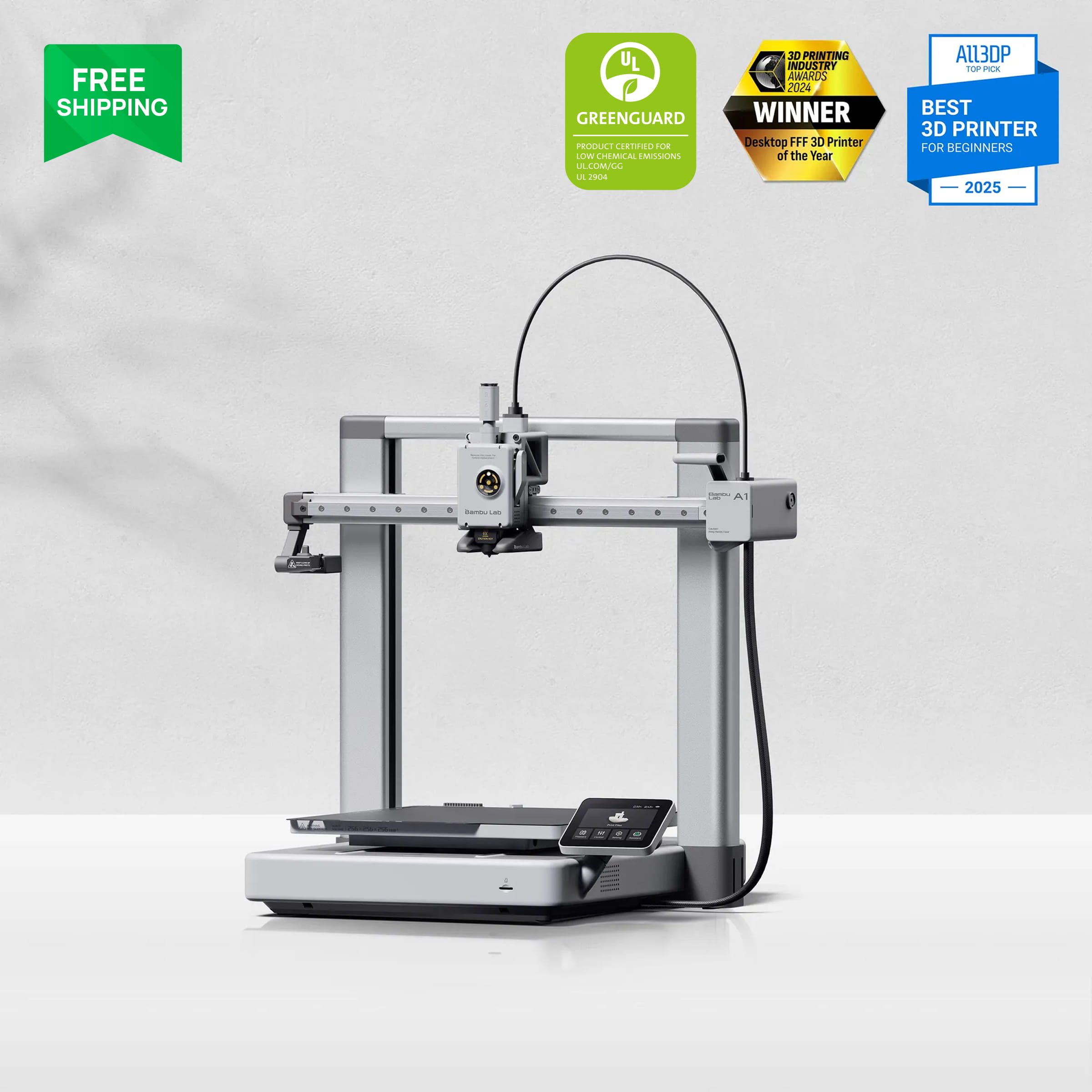
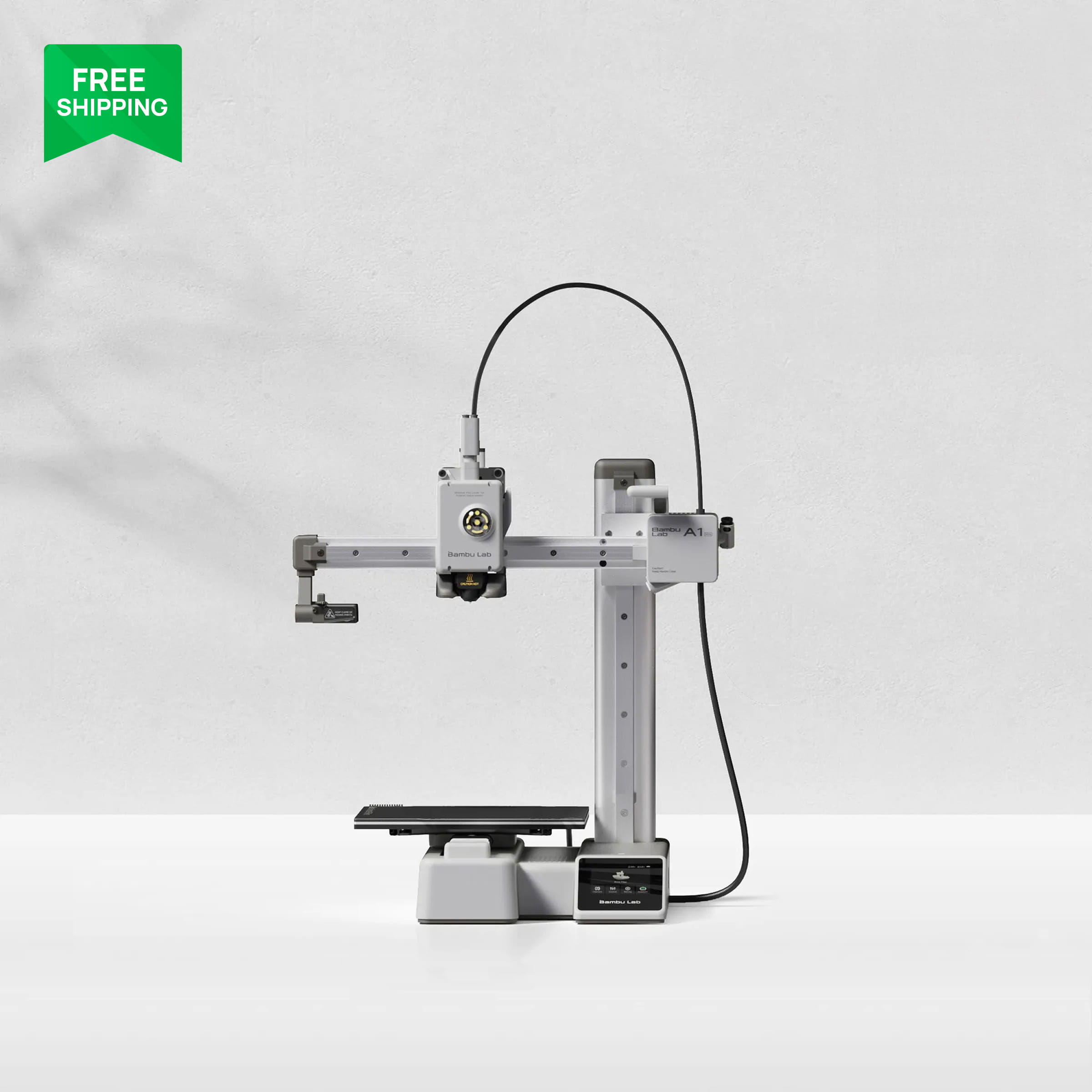
The A1 is a bed-slinger, which means the bed moves in Y and the toolhead moves in X and Z. Purists will tell you that limits speed on tall parts, and they are technically right, but the A1 is so well tuned that you will rarely notice. It is fast, it is quiet for an open printer, and it is the least expensive way to get the full 256 mm volume.
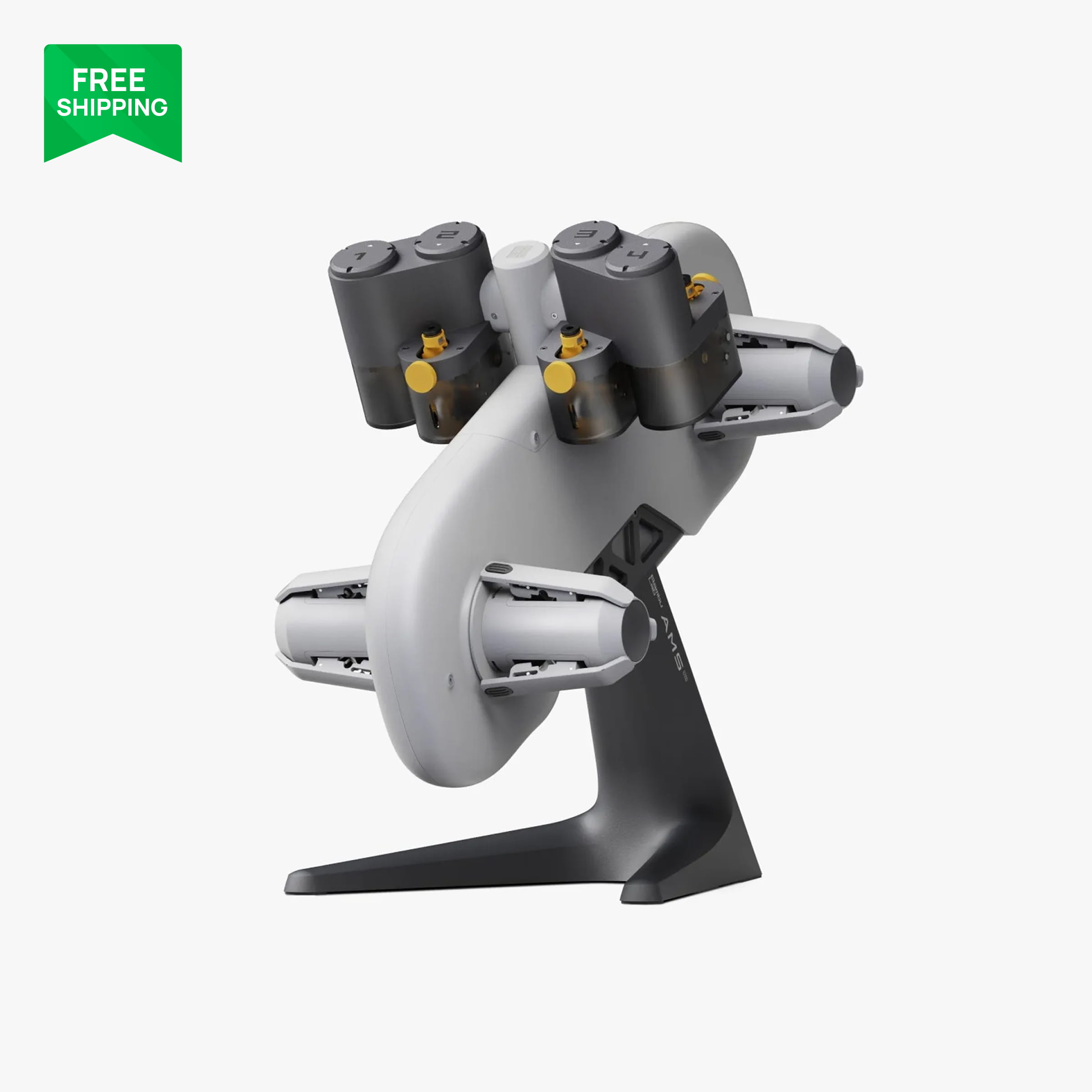
What you give up: no enclosure, so ABS and ASA warp and curl on anything bigger than a small bracket; no filtration, so you want it in a ventilated space; and an open toolhead that is easier to bump. What you gain: the easiest printer in the lineup to maintain, the cheapest spare parts, and the AMS lite, which sits beside the printer on a stand and is the simplest multi-colour system to load.
We run an A1 for a lot of our RC prototyping because iterating a chassis brace in PLA Tough+ does not need a box around it.
.jpg)
P1S: the enclosed value pick
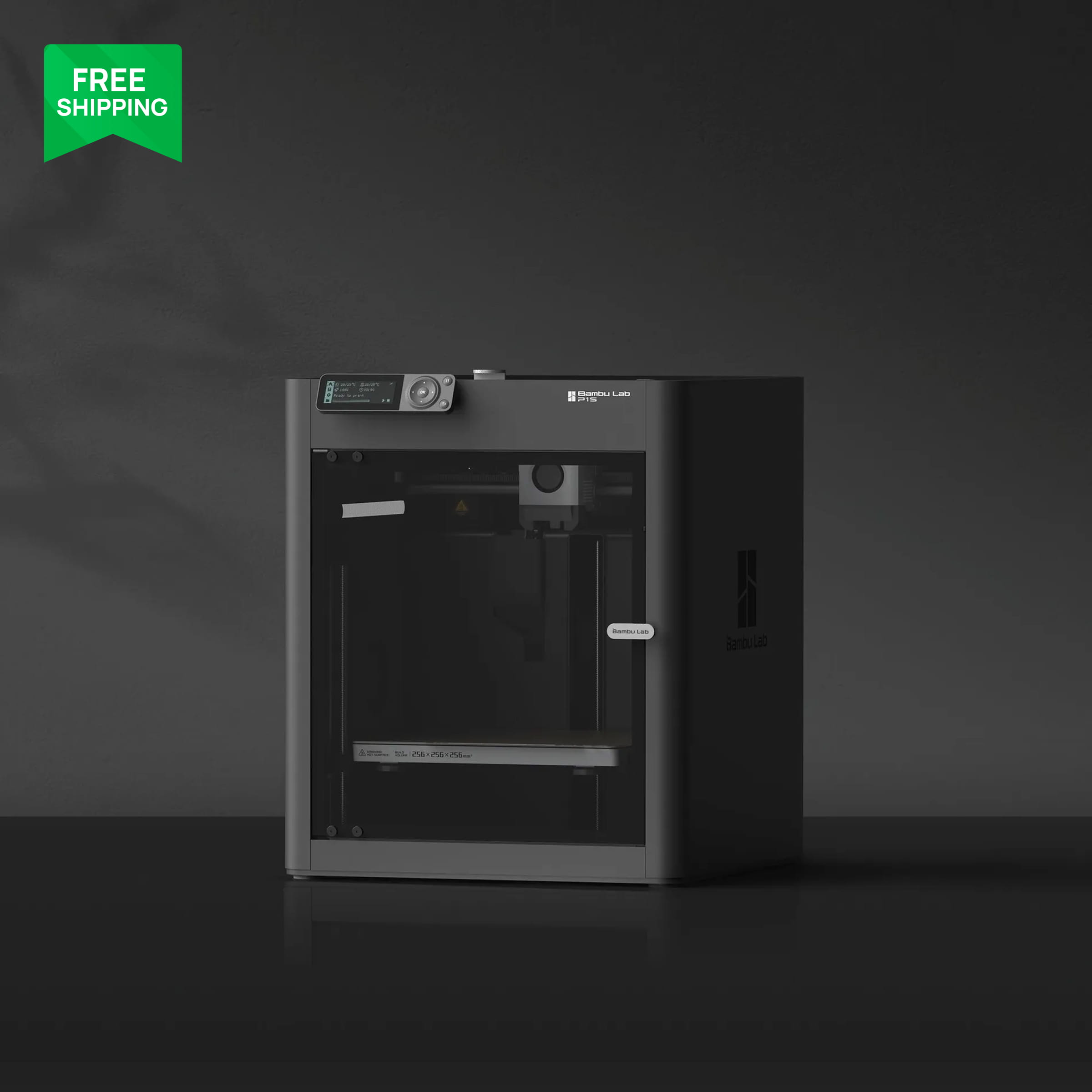
The P1S is a CoreXY printer in a box. The toolhead moves in X and Y, the bed only moves down, and the enclosure traps heat from the bed so the chamber warms naturally. That passive warmth is enough for ABS, ASA and carbon-fibre nylon on parts that would peel off an open printer. It has a carbon filter, a small monochrome screen with a button pad, and a camera that is good enough for checking on a print.
The weaknesses are the screen, which feels dated next to the P2S, a lighter-duty extruder and a frame that flexes a little more at high acceleration. None of that affects a normal print. If the P1S is on sale close to A1 money, it is the better buy for anyone who wants the enclosure.

P2S: the refined enclosed machine
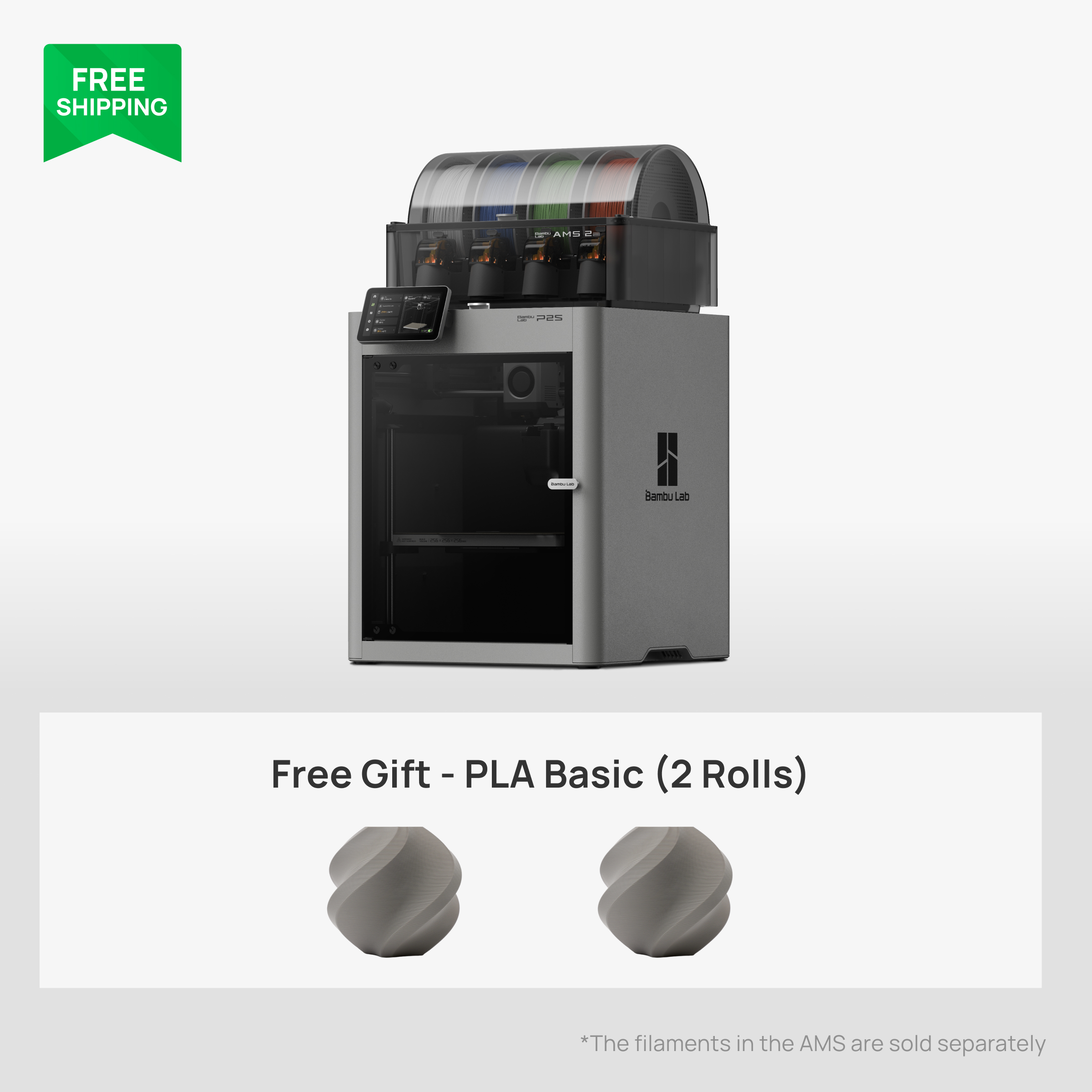
The P2S is what the P1S should have been. Same 256 mm cube, same enclosed CoreXY layout, but with a 5-inch colour touchscreen, a servo extruder with far more pushing force, a stiffer frame, improved cooling and an exhaust kit option for venting ABS fumes outdoors. Bambu Lab rates the top speed very high; what that means in real life is cleaner corners and fewer ringing artefacts at the default profile speeds, not that you should print everything at the maximum.
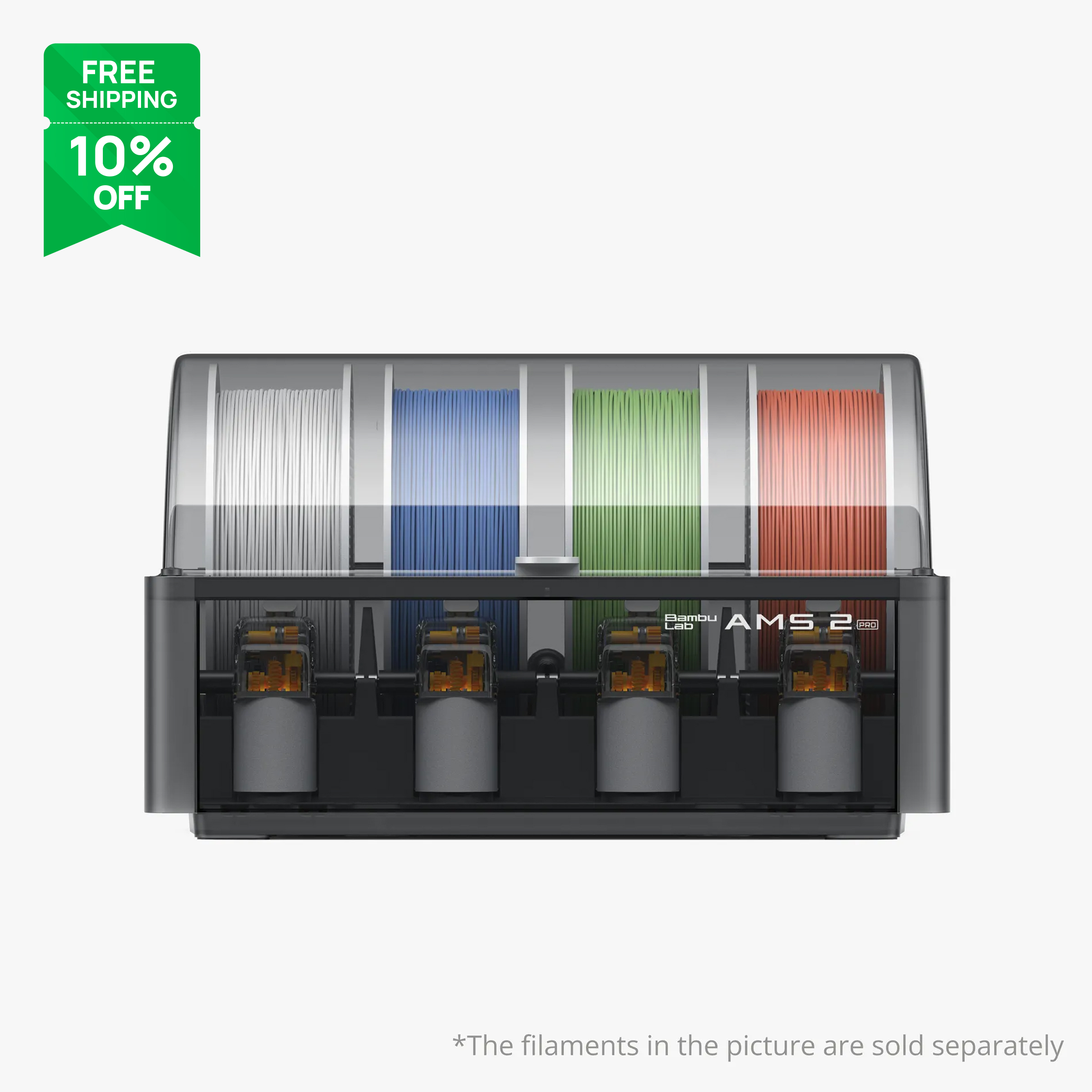
It also shares the H2-series hotend family, which means the high-flow hotend and the tungsten carbide nozzle are available if you want faster prints or abrasive filaments. With an AMS 2 Pro on top it is a complete workstation: dried filament, four colours, enclosed, quiet.
.png)

Multi-colour: AMS lite vs AMS vs AMS 2 Pro
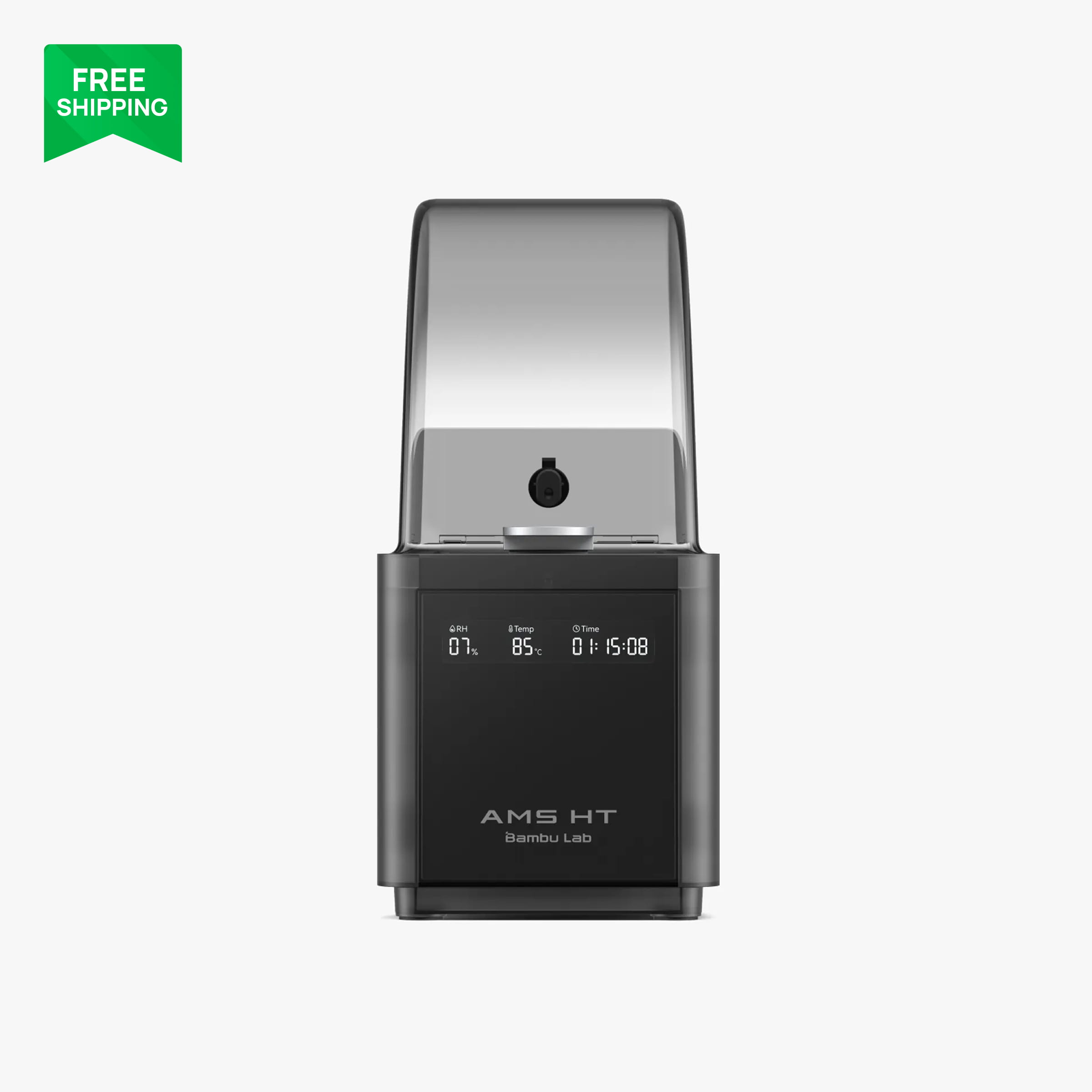
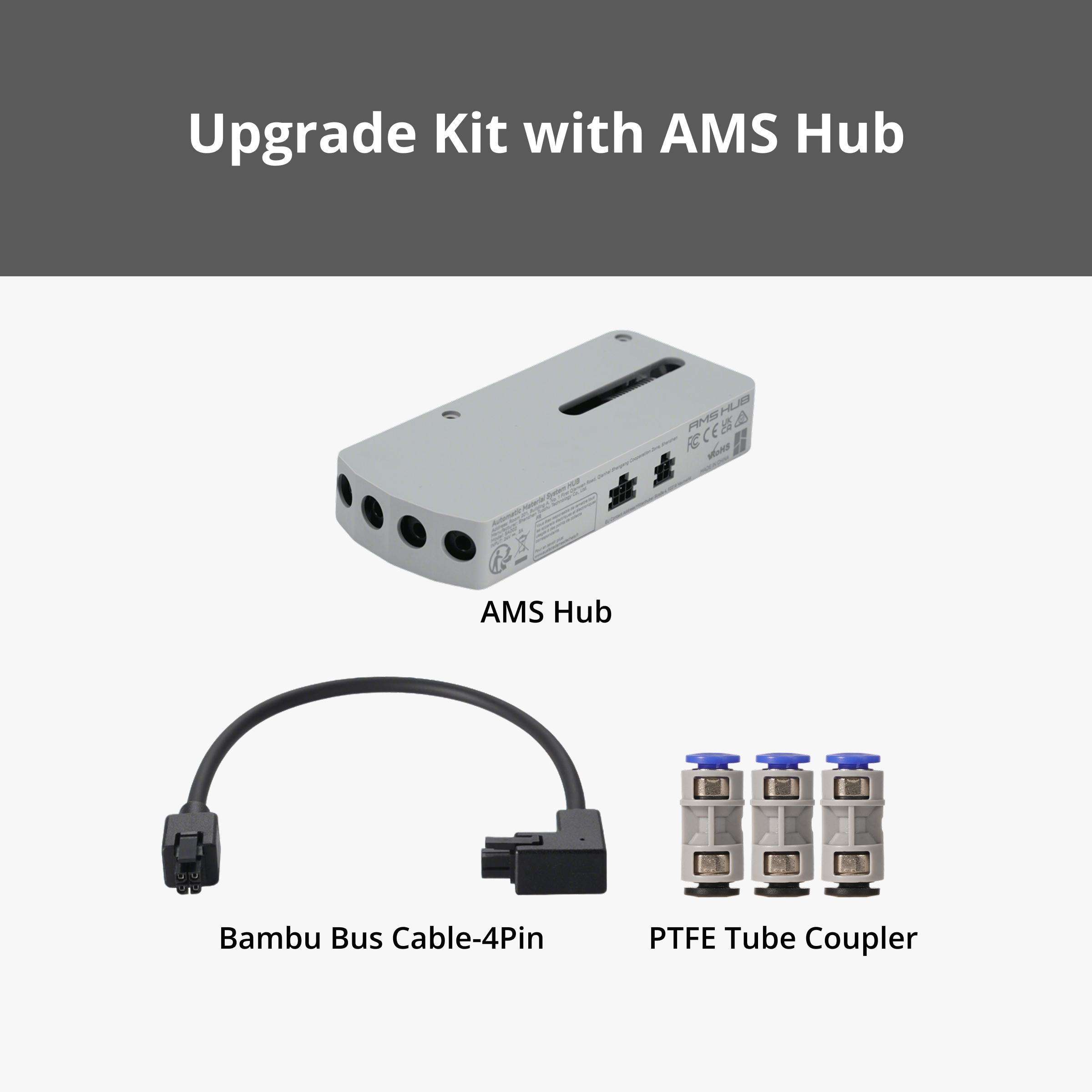
This is where the families diverge. The A1 only works with the AMS lite, the open four-spool unit on a stand. The P1S and P2S work with the original AMS, the AMS 2 Pro and the single-spool AMS HT. The AMS 2 Pro adds active filament drying, which on the P2S works natively. Note that the AMS HT drying function is not supported on the P1 series, so if drying is the goal and you are buying a P1S, choose the AMS 2 Pro instead.
Our verdict
If you print PLA and PETG and want to spend the least: A1. If you want an enclosure for ABS or noise and the price is right: P1S. If you want the best mid-range Bambu Lab printer and plan to keep it for years: P2S. We would not buy a P1S at full price with the P2S this close, but we would absolutely buy one on a deep discount.
FAQ
Is the A1 slower than the P1S or P2S?
On paper the CoreXY machines have higher rated speeds. On a typical 2 to 4 hour print the difference is minutes, not hours, because all three run similar default profile speeds. The A1 is only noticeably slower on very tall, very light parts.
Can the A1 print ABS at all?
Small ABS parts will print, but anything larger than a few centimetres tends to warp without an enclosure. For ABS, get the P1S or P2S.
Does the P2S need different filament than the P1S?
No. Both print the full Bambu Lab range. The P2S's stronger extruder handles flexible TPU and high-flow profiles more reliably, but the filament itself is the same.
More guides
- Which Bambu Lab Printer Should You Buy? A Maker's Decision Tree
- Bambu Lab AMS Explained: AMS lite vs AMS vs AMS 2 Pro vs AMS HT
- Best Bambu Lab Filament for Functional Parts: PLA Basic vs Tough+ vs PETG HF vs ABS
- Bambu Lab Build Plates Explained: Which Plate for Which Filament
- Your First Week with a Bambu Lab Printer: Setup, First Prints and What to Buy
- Printing RC Car Parts on a Bambu Lab Printer: Our Club Race Hero Workflow